

Best IPTV by Device: What Works Where
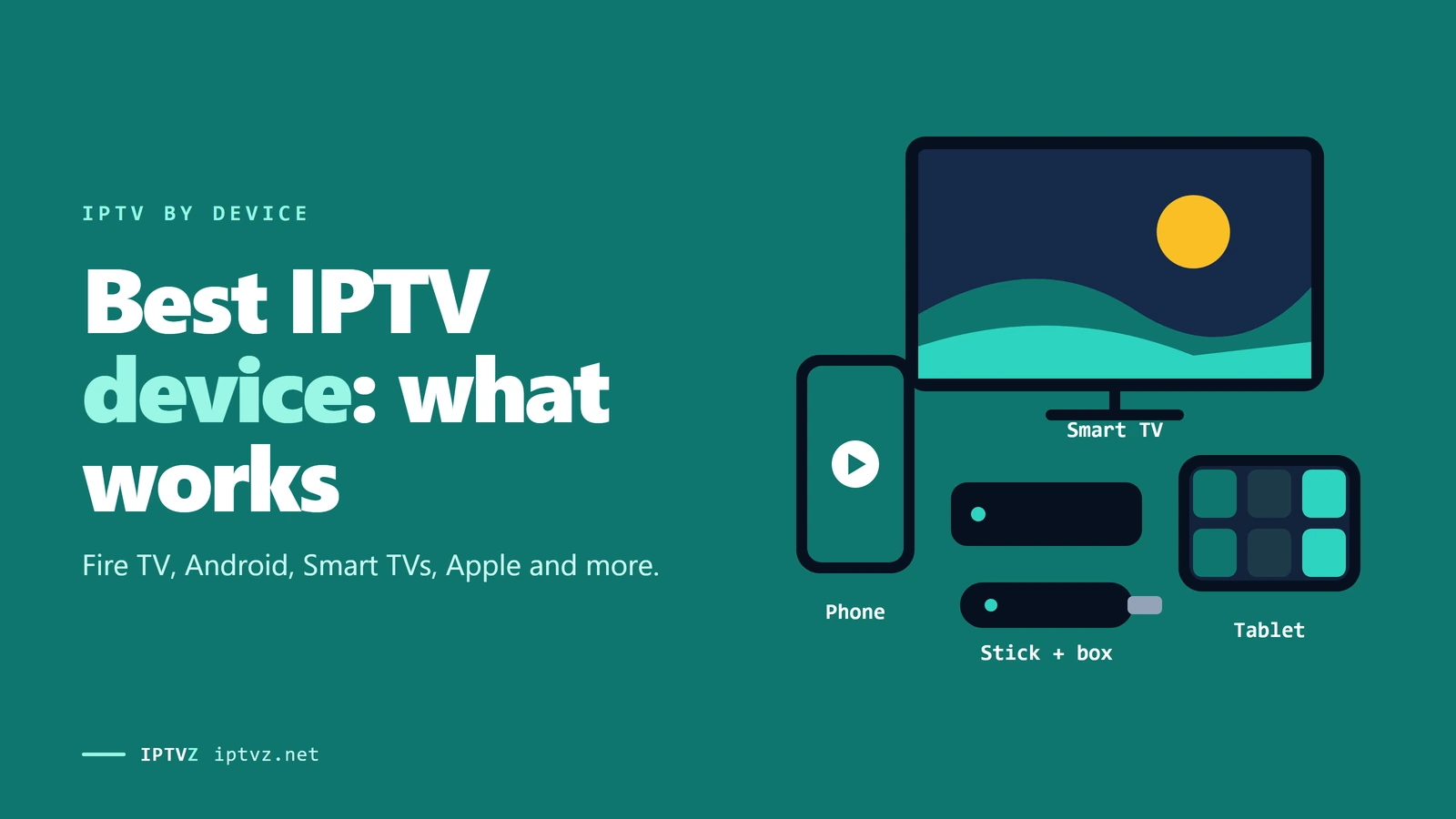
The best IPTV device is the one with the best player app. An IPTV service is the same on every screen: one login, the same channels. What changes from device to device is the player app you can install, and that decides how good IPTV feels there. Here's what works on Fire TV, Google TV, Samsung and LG TVs, Apple TV, phones and Roku, what sellers claim, and what Reddit users actually recommend.
Who wrote this: IPTVZ sells IPTV, and our login works in the player apps named here. We don't make any of them and earn nothing from them. We don't name or rank other sellers. We read public Reddit threads without an account and quote users without their usernames.
The short answer: pick the device with the best player app
The best device for IPTV is one that runs a full-featured player app, because the app is what you use every day: the TV guide, channel switching, catch-up and recording. Android TV and Google TV devices, and Fire TV sticks that run Fire OS, can install TiviMate, the player Reddit users recommend most. Apple TV has good players of its own, such as UHF and IPTVX. Samsung and LG TVs only install players from their own stores, so there's less choice. Roku is the hardest: only a few players from Roku's store, with mixed reviews. If your TV is a Roku or an older smart TV, an inexpensive streaming stick in a spare HDMI port is usually the best upgrade.
The key point
Every IPTV seller says it works on all devices, and the login does. What differs is the app your device can install, so check that before you buy a device or a plan.
This guide is part of our series on finding the best IPTV service in the USA. If you're shopping for new hardware, our guide to IPTV boxes and sticks compares models and prices.
Why the device changes the experience
IPTV has three parts. The service sends the channels and the TV guide. The player app shows them, and it's where you scroll the guide, switch channels and record. The device is the box, stick or TV the app runs on. The service is identical everywhere, so the same login plays the same channels on a Fire TV and on an iPhone. The app is different on each one, and that's where the experience changes.
One login, a different player app on each device
Player apps come with no channels of their own: you add your service's login, usually as an Xtream Codes username and password or an M3U link. Our guide to Xtream Codes and M3U explains the two. One login can go into several apps on several devices, and your plan sets how many play at the same time, as our guide to multiple connections explains.
Device by device
Here's what each kind of device can run, as of November 2026. App names and stores change, so check your device's store before you rely on one app.
| Device | Player apps | Good at | Watch out for |
|---|---|---|---|
| Android TV, Google TV (NVIDIA Shield, Google TV Streamer, Chromecast with Google TV, onn) | TiviMate, XCIPTV and other players from Google Play | The widest choice, a full TV guide, recording with TiviMate Premium | Cheap boxes with little memory can stutter |
| Fire TV with Fire OS (Fire TV Stick 4K Max, Fire TV Cube) | TiviMate and other players, installed with Downloader | Cheap, common and fully featured | Sideloading takes a few extra steps |
| Fire TV with Vega OS (Fire TV Stick 4K Select, new Fire TV Stick 4K) | Only players from Amazon's Appstore | Simple setup from the store | No TiviMate and no sideloading |
| Samsung (Tizen), LG (webOS) | Players from the TV's own store, which vary by model and region | No extra box | Fewer apps, often older, and no TiviMate |
| Apple TV | UHF, IPTVX, Smarters Player Lite from the App Store | Polished apps and a fast, steady device | The best apps charge for premium features |
| iPhone, iPad, Android phones | The same App Store or Google Play players | Watching anywhere | A small screen, and mobile data use |
| Roku | A few players from Roku's store | Works without new hardware | Basic apps with mixed reviews; no TiviMate |
| MAG and Formuler boxes | The box's own portal or MyTVOnline | Built only for IPTV | A box you buy just for IPTV |
| Windows and Mac | VLC with an M3U link, IPTVX on Mac | Free and quick to test | Not built for the living room |
The setup steps for each one are in our guides for Android and Google TV, Fire TV, Samsung and LG, Apple TV and iPhone, Roku, MAG and Formuler.
What your device runs decides which player you can install
Fire TV: check your model
Fire TV sticks are the most popular IPTV devices, but they're no longer all the same. Most Fire TV models run Fire OS, which is based on Android, and let you install TiviMate and other players with the Downloader app. The Fire TV Stick 4K Select, released in 2025, and the new Fire TV Stick 4K, released on September 30, 2026, run Amazon's Vega OS instead. They only install apps from Amazon's Appstore, so TiviMate won't install on them.
To check yours, open Settings, then My Fire TV, then About. If you're buying a stick for IPTV, the Fire TV Stick 4K Max and the Fire TV Cube still run Fire OS. Amazon also removes apps it identifies as piracy apps, using a list from an anti-piracy group, but the player apps that come with no channels are a different thing. Our guide to the best IPTV for Firestick covers players and settings in detail.
Smart TVs and Roku: the harder cases
A TV with Google TV built in, from Sony, TCL or Hisense, works like any Google TV device and can run TiviMate. Samsung and LG TVs can't install Android apps, so you use a player from the TV's own store. Which players are listed varies by model and region, and in 2026 several Samsung and LG owners on Reddit said IPTV Smarters had disappeared from their TV or stopped working, so read recent reviews before you pick one. Hisense TVs with VIDAA have their own options in our Hisense guide.
Roku only installs apps from its own store. There's no way to add Android apps, and Roku removed private channel codes in 2022. You can use a Roku store player, mirror from a phone, or plug a streaming stick into a free HDMI port. Our guide to the best IPTV for Roku explains each route.
Google announced in August 2024 that it would stop making Chromecasts, and its current device is the Google TV Streamer. A Chromecast with Google TV still runs TiviMate like any Google TV device, while older Chromecasts without a remote can only receive a cast from your phone.
For any TV where the built-in apps fall short, a streaming stick is the simple fix: it brings a full player app and TV guide to the same screen.
What Reddit users recommend
In 9 Reddit threads that asked which device to buy for IPTV, 111 top-level answers recommended one. Most of the threads were in the TiviMate community, which leans toward Android, because TiviMate doesn't run on Apple TV. Even so, the pattern is clear: people recommend Android TV and Google TV devices that run TiviMate.
Devices recommended in 111 Reddit answers
- The Shield is the high-end pick, and the cheaper boxes are close. One answer summed it up: "Everyone: spare no expense, Shield Pro. Reality: Firestick 4k max, Onn 4k plus/pro, or any of similar specs work great."
- The service still matters most. Two answers said so outright: "It's not so much about the device that you're using, it's more about having a good provider."
- Vega OS Fire TVs caught people out. A thread titled "4K Select. I wish I had known before buying" got the same reply several times: the limit is well known, so return it and buy a model that can install your player.
- Smart TV apps were the weak spot. Samsung and LG owners described a short list of store apps, some of which stopped working, and several answers said to add a cheap streaming box instead.
- On Apple TV, UHF was named most often in a thread asking for the best Apple TV player. One answer still added: "None come close to tivimate though!"
What sellers claim
We checked the websites of 72 IPTV sellers that come up in US buying searches. More than 50 say their service works on all devices or any device. Most list Fire TV, Android and smart TVs, 59 mention Apple devices, and about 20 list Roku, usually in the same list as Fire TV, with no word on how it works there. Only a handful explain that Roku needs a store player or a second device.
Those claims are true about the login and misleading about the experience. The service works anywhere you can install a player for it, but the player on a Roku or an older smart TV isn't the one in the seller's screenshots. Ask a seller which app they recommend for your exact device, and test it in a free trial before you pay.
How to choose
- Start with what you have
Find out what your TV or stick runs. If it's Android TV, Google TV, Fire OS or Apple TV, you probably don't need anything new.
- Try the player first
Install the player your device supports and test it with a free trial: the guide, channel switching and a live game.
- Add a stick if the app falls short
For a Roku, an older smart TV or a Vega OS Fire TV, a Fire OS or Google TV stick in a spare HDMI port adds a full player for little money.
- Use Ethernet where you can
A wired connection helps any device. Many sticks need a USB Ethernet adapter, and our guide to internet speed for IPTV explains why it matters.
- Count your screens
Every device that plays at the same time uses a connection, so pick a plan that covers them.
IPTVZ on your devices
Your IPTVZ login works in TiviMate, IPTV Smarters, UHF, IPTVX, the Roku store players and the other apps in the table above, on any device that can run them. Install the app on as many devices as you like; your plan sets how many play at the same time. Our setup guides walk through each device, and support by live chat or email can help you pick the right player.
The best test is your own TV. A free trial shows you how the service plays on the device you already have, before you buy a plan or a new stick.
Questions about IPTV devices
What is the best device for IPTV?
An Android TV or Google TV device, such as an NVIDIA Shield or a Google TV Streamer, or a Fire TV stick that runs Fire OS. They run TiviMate, the player Reddit users recommend most. Apple TV is a strong choice if you prefer Apple's apps.
What is the best IPTV app for a smart TV?
On Samsung and LG TVs, a player from the TV's own store, chosen by its recent reviews, since listings change by model and region. On TVs with Google TV built in, TiviMate. If your TV's store has nothing good, a streaming stick gives you more choice.
Can I watch IPTV on a smart TV without a box?
Yes, if your TV's app store has an IPTV player. You install it, add your login and watch. A box or stick only helps when the TV's own apps are limited or slow.
Is a Fire Stick or an Android box better for IPTV?
Both run the same players. A Fire TV Stick with Fire OS is cheaper; an Android TV box such as the NVIDIA Shield is faster and has more storage for recording. Avoid the Vega OS Fire TV models if you want TiviMate.
Does IPTV work on Roku?
Yes, with a player from Roku's store, by mirroring from another device, or with a streaming stick in a spare HDMI port. It's the most limited of the common devices.
Can I use one IPTV subscription on different devices?
Yes. The same login works in different apps on different devices. Your plan sets how many can play at the same time.
Sources and data
- IPTVZ, websites of 72 IPTV sellers found in Google for US buying searches: 533 pages saved and checked, US connection, October 30–31, 2026. Device and app mentions found by keyword and read by hand. No purchases made.
- IPTVZ, 51 public Reddit threads about IPTV devices, read without an account on November 5, 2026; 111 device recommendations in 9 threads asking which device to buy, coded by hand. Users quoted without usernames; no sellers named.
- IPTVZ setup guides, app store listings checked October 12, 2026: Fire TV, Android and Google TV, Samsung and LG, Apple, Roku.
- Tech Advisor, Google Chromecast Officially Discontinued After 11 Years, February 24, 2025, read November 5, 2026.
- IPTVZ keyword research: Semrush US data for device searches, collected November 5, 2026.
Test it on your own TV
Which IPTVZ plan is right for you?
Both plans carry the same channels, movies and sports, with the same 48-hour money-back guarantee. Pick one and order right here.
Standard
- 19,000+ live channels, including 830 US local stations
- 80,000+ movies & series on demand
- NFL, NBA, MLB, NHL & PPV events
- 24/7 support by chat & email
$29.99
$10.00/mo · billed once
VIP
- Everything in Standard, plus:
- Free Hot Player or EBO Player activation for 1 year
- Premium Server
- Faster, priority support
$44.99
$15.00/mo · billed once
Not ready to buy? Start a free trial, no credit card needed.
- 48-hour money-back guarantee for technical issues
- Pay by card, crypto, bank transfer, Cash App and more
- Up to 5 devices and plans up to 5 years on the pricing page
Sources

 Buying guides
 Buying guides
 Buying guides
Discover more
Explore our other guides & insights
From device setup guides to channel overviews: find everything you need to stream smarter.