

IPTV Catch-Up: How to Rewatch Live TV
Catch-up lets you go back in the TV guide and play a show that already aired, like a free DVR you never had to set. On IPTV it's real, but it isn't on every channel, and on many channels it doesn't go back far. We checked every channel on our own US lineup, played 20 of them from two hours back, and read what Reddit users run into. Here's how it works and what to expect.
Who wrote this: IPTVZ sells IPTV, and the catch-up figures here come from our own lineup, including the channels that didn't work in our test. We don't name or rank other sellers. We read public Reddit threads without an account and quote users without their usernames.
The short answer: catch-up rewinds the guide, on the channels that support it
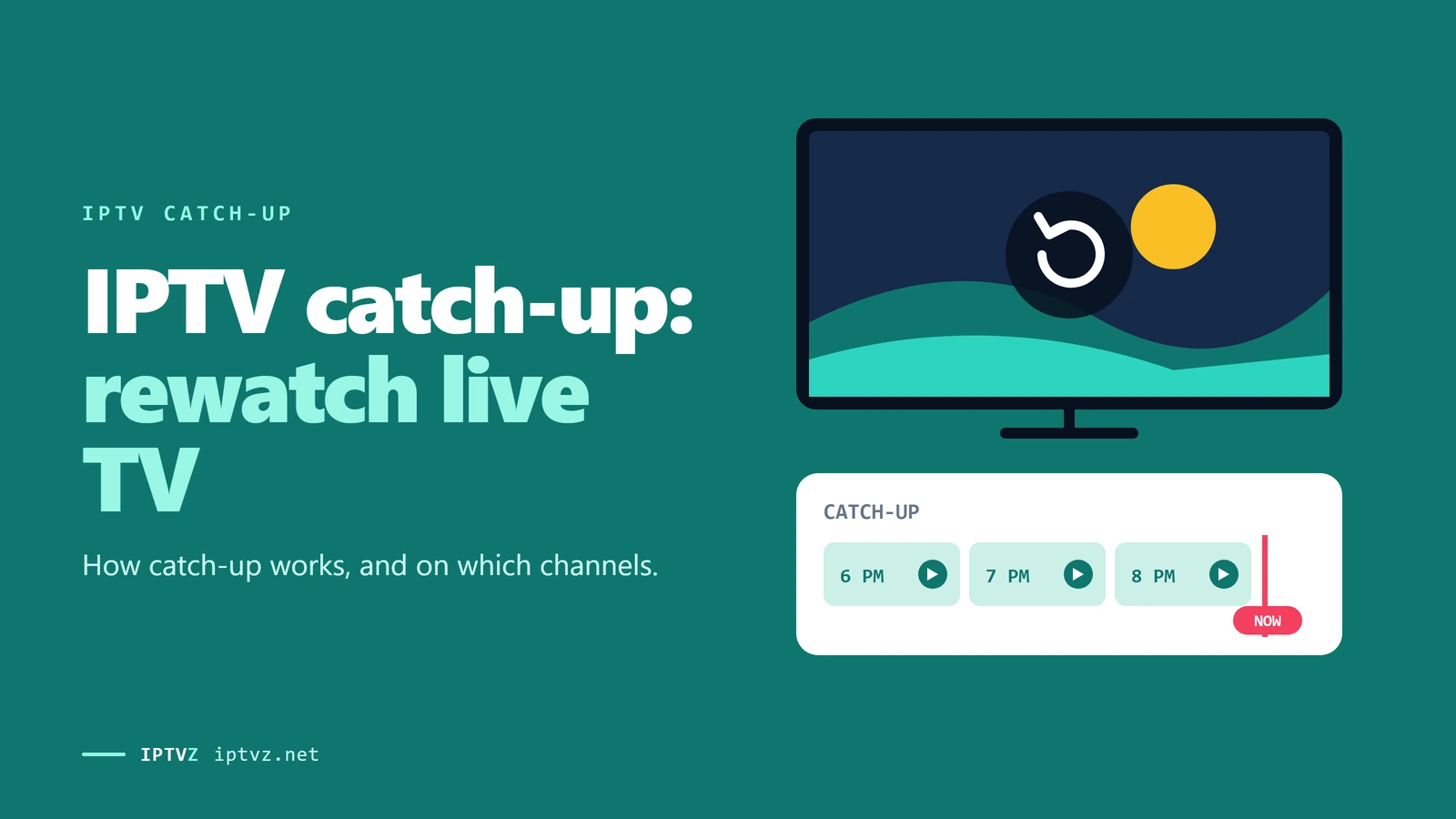
IPTV catch-up lets you open the TV guide, go back in time and play a show that already aired, without recording it first. The service keeps a recent archive of some channels, and your app plays it from the time you pick. It only works on channels marked for catch-up, usually with a small clock icon, and only as far back as that channel's archive goes. On our own US lineup, 465 channels have catch-up, and most keep about one day. In our test, 11 of 20 of them played from two hours back. So treat catch-up as a bonus, and check the channels you care about during a free trial.
The key point
The catch-up icon tells you the service tries to keep an archive. It doesn't promise that every show on that channel will play.
This guide is part of our series on what makes an IPTV service reliable. To keep a show for longer, see our guide to recording IPTV.
How catch-up works
For channels with catch-up, the IPTV service keeps a rolling copy of what aired, for a set number of days. Your app reads the TV guide, shows which channels have an archive, and asks the server for a show from its start time. You don't record anything, and it doesn't use space on your device.
Going back in the guide to a show you missed
Two settings matter on the service side: whether a channel has an archive at all, and how many days it keeps. Both are set by the service, not by your app, which is why the same app can show catch-up on one service and not another. As one Reddit user put it: "It is your provider, who delivers yes-or-no the catchup."
Catch-up, recording and on-demand
| Catch-up | Recording (DVR) | On-demand (VOD) | |
|---|---|---|---|
| What it is | A recent archive kept by the service | A copy you save while it airs | A library of movies and series |
| Planning ahead | None | You set it before it airs | None |
| How long it lasts | About 1 to 3 days on our lineup | As long as you keep the file | As long as the title stays in the library |
| Storage on your side | None | Yes, about 3.6 GB per hour of HD | None |
| Live sports and news | Yes, on channels with catch-up | Yes | Rarely |
Catch-up is the easy one: nothing to plan and nothing to store. Recording is the reliable one, because once the file is on your device, it doesn't matter what the server keeps. Our guide to IPTV DVR and recording covers that side.
What our lineup has
On November 5, 2026, we asked our own server which live channels have catch-up and how many days each keeps, using a trial login on our US lineup. Out of 16,848 live entries, 855 are marked for catch-up. Leaving out dividers and 24/7 loops, 465 of those are US channels, and the rest are mostly Canadian.
| Archive length | Channels | Examples |
|---|---|---|
| About 1 day | 435 | Most entertainment, sports, movie and news channels, such as FS1, Showtime, NBC Sports Boston and C-SPAN |
| 2 days | 11 | FOX, Fox News, A&E, BET, NBC 4 Los Angeles (KNBC), ABC 6 Philadelphia (WPVI) |
| 3 days | 19 | ESPN 2, NFL RedZone, NHL Network, USA Network, Food Network, CBS 2 New York (WCBS), NBC 5 Dallas (KXAS) |
So for most channels, plan on "last night" rather than "last week". If a 7-day archive matters to you, ask a seller which channels have it before you pay, because sellers' lineups differ, and so does what they archive.
Our playback test
A catch-up mark is a setting on the server. It doesn't prove the archive plays. So we picked 20 US channels at random from the 465 and asked each for a show from two hours earlier, one at a time.
20 channels with catch-up, two hours back
The 11 that played included Showtime, FS1, NBC Sports Boston, CBS Philadelphia and F1 TV. Of the 9 that didn't, 5 answered "not found", meaning no archive for that time, and 4 answered but sent little or no video, including Freeform and Golf Channel. Earlier the same day, 2 of 3 other channels played from two hours back.
We're publishing this because it matches what users report. Catch-up is "pretty hit or miss usually", as one Reddit answer put it, and "I've never seen any service where all channels have catch up". The useful advice is the same for any service: during a trial, go back in the guide on the five channels you care about most.
How to use catch-up
- Sign in with your username and password
An Xtream Codes login passes the catch-up details to your app. Some users lost catch-up on M3U playlists after a TiviMate update while the same service worked with an Xtream login. Our Xtream Codes and M3U guide explains the two.
- Open the TV guide
Look for the catch-up mark next to a channel name. In TiviMate it's a small clock icon. The guide itself has to be working, so if it's blank, see EPG not loading first.
- Scroll back
Move left in the guide to a show that already aired. Shows outside the archive won't play.
- Select the show and play
It starts from the beginning. You can pause and skip within it like a recording.
- Or restart a show that's on now
Many apps can restart a live show from its start, which uses the same archive.
IPTV Smarters works the same way: open the TV guide or the catch-up section, pick a channel with an archive and choose a show. Menu names differ between apps and versions.
When catch-up doesn't work
In 8 Reddit threads where catch-up wasn't working, we coded the 36 top-level answers that gave a cause or a fix. An answer could count more than once:
- 16 pointed at an app update or a beta. Most came from threads after a TiviMate update in mid-2026, when some users lost catch-up on M3U playlists. Going back to the earlier version fixed it for several.
- 15 pointed at the service or its archive. "Catchup is a provider issue usually," one answer said, and another user found two services in the same app behaved differently: "1 is flawless the other hit or miss."
- 6 pointed at the playlist type. An Xtream Codes login worked where an M3U link didn't, or the playlist didn't carry the catch-up details.
- 3 pointed at a setting. The catch-up type in the playlist settings, or the stream format.
What 36 Reddit answers blamed when catch-up stopped working
What to try, in order:
- Try another show on the same channel
One missing show doesn't mean the channel's archive is gone.
- Try another channel with the catch-up mark
If none work, the problem is likely your login or app. If only some fail, it's the archive.
- Use an Xtream Codes login
If you added an M3U link, add the same service with your username and password instead.
- Check the catch-up and stream settings
In TiviMate, the playlist settings have a catch-up type. Users also fixed freezing catch-up by changing the stream format from MP4 to HLS.
- Avoid beta versions
Several users lost catch-up after a beta or a new version and got it back on an older one.
- Ask your service
Tell them the channel, the show and the time. Only the service can fix an archive.
Catch-up with IPTVZ
On our US lineup, 465 channels have catch-up, mostly with about a day of archive, and up to 3 days on some sports, news and local channels. It works with the username-and-password login in apps such as TiviMate and IPTV Smarters. As our test shows, it doesn't play on every marked channel at every hour, so we don't sell it as a promise. Check the channels you watch in a free trial. If catch-up fails on a channel that should have it, contact us by live chat or email with the channel and the time.
People also ask
These are the questions Google showed for "IPTV catch up" and "what is catch up on IPTV" on November 5, 2026 (US settings, results not personalized). Each one gets a straight answer first.
What is catch up on IPTV?
It's a replay feature: on channels that support it, you can play a show that already aired, straight from the TV guide. The service keeps a short archive, often about a day, and your app plays it from the start. You don't need to record anything.
Is catch-up TV free?
With IPTV, it comes with your subscription on the channels that have it, at no extra cost. There's nothing extra to buy, but the app you use may need its paid version for some features. Free catch-up apps from TV networks are a separate thing.
Do you have to pay for catch up TV?
Not separately. Catch-up is part of the IPTV service on channels with an archive. Some player apps keep catch-up for their paid version, so check your app.
What channels are on Catch Up TV?
It depends on the service: each one decides which channels it archives and for how long. On our US lineup, 465 channels have it, including ESPN 2, FOX, USA Network and local stations in several cities. Look for the catch-up mark in your guide.
More questions about catch-up
How far back does IPTV catch-up go?
It depends on the channel. On our lineup, most keep about a day, and some keep 2 or 3 days. Some sellers advertise 7 days, so ask which channels that covers.
Does catch-up use a connection?
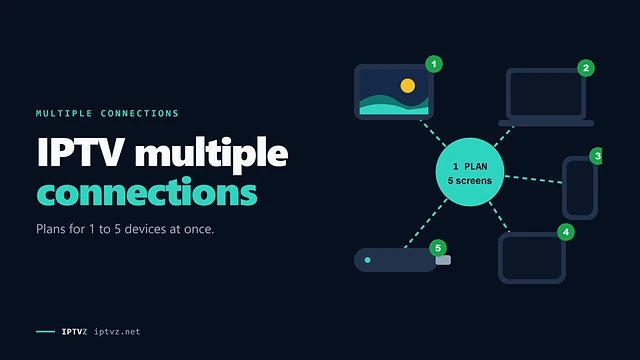
Yes. Playing catch-up counts as one stream, just like a live channel. Our guide to multiple connections explains the limits.
Can I record a catch-up show?
Usually not inside the app. One Reddit answer noted that catch-up "is just another VOD", and players like TiviMate won't record it. Watch it within the archive window instead.
Why does catch-up skip or freeze?
Usually the archive itself, so it's the service. Changing the stream format in your app can help, and so can trying another show on the same channel.
Why don't I see the catch-up icon?
Either the channel has no archive, the playlist isn't passing the catch-up details, or your guide isn't loading. Try an Xtream Codes login and check that your guide works.
Sources and data
- IPTVZ, catch-up flags and archive days for every live channel, read from our streaming server with a trial login on November 5, 2026; 20 US channels picked at random and played from two hours back the same day.
- IPTVZ, 55 public Reddit threads about IPTV catch-up and recording, read without an account on November 5, 2026; 36 top-level answers in 8 threads where catch-up failed coded by hand. Users quoted without usernames; no sellers named.
- IPTVZ, Google results and "People also ask" questions for "IPTV catch up" and "what is catch up on IPTV", US settings, collected November 5, 2026.
- IPTVZ keyword research: Semrush US data for catch-up searches, collected November 5, 2026.
Test it on your own TV
Which IPTVZ plan is right for you?
Both plans carry the same channels, movies and sports, with the same 48-hour money-back guarantee. Pick one and order right here.
Standard
- 19,000+ live channels, including 830 US local stations
- 80,000+ movies & series on demand
- NFL, NBA, MLB, NHL & PPV events
- 24/7 support by chat & email
$29.99
$10.00/mo · billed once
VIP
- Everything in Standard, plus:
- Free Hot Player or EBO Player activation for 1 year
- Premium Server
- Faster, priority support
$44.99
$15.00/mo · billed once
Not ready to buy? Start a free trial, no credit card needed.
- 48-hour money-back guarantee for technical issues
- Pay by card, crypto, bank transfer, Cash App and more
- Up to 5 devices and plans up to 5 years on the pricing page

 Buying guides
 Buying guides
Discover more
Explore our other guides & insights
From device setup guides to channel overviews: find everything you need to stream smarter.