

IPTV With Multiple Connections: How Many Devices Do You Need?
IPTV multiple connections are what plans sell by, and the number that confuses people most. You can install your login on as many devices as you like. The plan only limits how many play at the same time. Here's what counts as a connection, what happens when you go over, how many your household needs, and what extra screens cost.
Who wrote this: IPTVZ sells IPTV, so our own plans and prices appear in this guide, and you can check them on our plans page. We don't name or rank other sellers. We read public Reddit threads without an account and quote users without their usernames.
The short answer: count the screens that play at once, not the devices you own
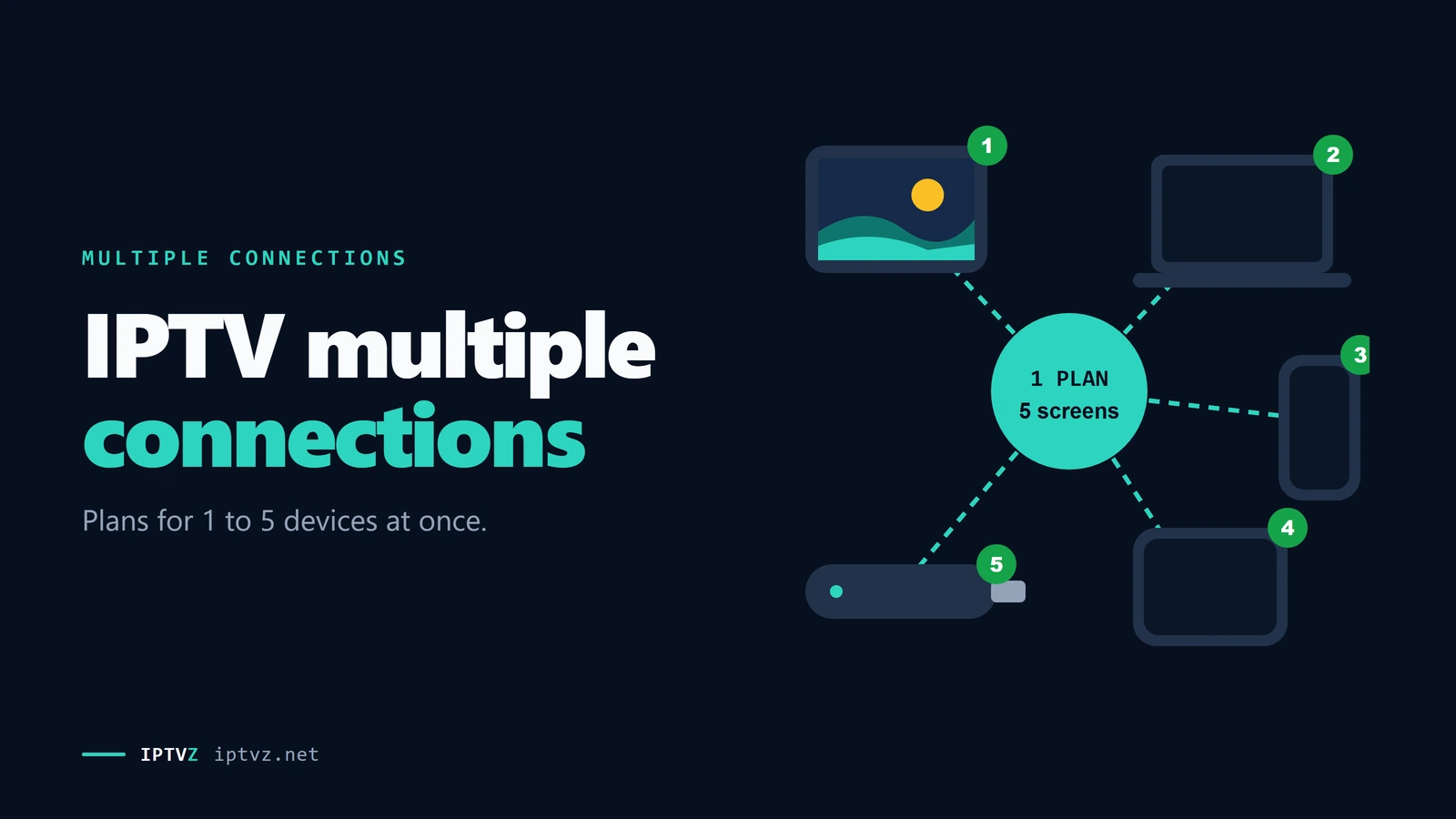
An IPTV connection is one stream playing at a time. You can put the same login on every TV, phone and tablet in the house, but a 1-connection plan plays on only one of them at once. If a second device starts, one stream usually stops with a "max connections" error, or both start buffering. Recording and each multiview screen count as a stream too. Count the screens your household watches at the same time, add one if you record or use multiview, and pick that plan. Most plans that sell extra screens stop at 5.
The key point
Devices and connections are different things. The app can sit on ten devices. The connection limit only counts what's playing right now.
This guide is part of our series on what makes an IPTV service reliable. If you're setting up a second TV, our setup guide has the steps for each device.
What counts as a connection
A connection is used the moment something starts playing from your login, and it's freed when it stops. Where the device is doesn't matter on most services: a TV upstairs and a phone at work count the same. What matters is how many are playing at once.
One login, three devices, a 2-connection plan
| What you're doing | Connections used |
|---|---|
| The app installed on a TV, but nothing playing | 0 |
| Watching a live channel or a movie on one device | 1 |
| Watching catch-up, a recent show from the guide | 1 |
| Recording one channel while watching another | 2 |
| Multiview with 4 games on one screen | 4 |
| Two TVs on the same channel | 2 |
The rule users repeated most: "You can add the information to as many players as you want but you can only watch one at a time", on a 1-connection plan. One habit helps: back out of the app fully before you switch rooms. An app left playing in the background still holds a connection.
Don't confuse this with an app's own device limit. TiviMate Premium, for example, has its own limit on how many devices you can activate it on. Four Reddit answers pointed this out because people mix the two up. That's the app's licence, and it has nothing to do with how many streams your IPTV plan allows.
What 45 Reddit answers said about connections
What happens when you go over
When more devices play than your plan allows, the service has to drop one. How that looks on screen depends on the service and the app:
- An error. The newest stream won't start and the app shows "max connections reached" or a code. One user named the HTTP 458 error, "aka connection not allowed".
- A stream gets cut. One user explained that "one will get booted, or both will start buffering".
- It looks fine at first. A second stream can seem to work for a while. As one answer put it, "the first stream will keep playing until the player's buffer runs out".
Some users say they get away with more streams than they pay for, but others had the opposite problem: an error even with one device, after changing channels quickly. One user called it "nonsense", because the system "thinks it's multiple devices". If you zap fast, give each channel a second, and if errors persist, ask your service to reset your connections. Our troubleshooting guide covers the other common errors.
A VPN can cause it too. If your VPN changes your IP address during a session, the service may count a second connection. Turn off any rotating IP setting, as our guide to IPTV and VPNs explains.
How many connections you need
Think about your busiest evening, not your average one. Count the screens that play at the same time, then add one for each extra stream you use: a recording, or each multiview tile.
| Household | Screens at once | Connections |
|---|---|---|
| One person, one TV, sometimes a phone | 1 | 1 |
| A couple who sometimes watch different things | 2 | 2 |
| One TV plus recording, or 2 games side by side | 2 | 2 |
| A family with a living room TV and two bedrooms | 3 | 3 |
| A family of four with their own screens | 4 | 4 |
| A sports fan with 4-game multiview, plus one other TV | 5 | 5 |
If you're unsure, start with what you need most nights. More connections also mean more bandwidth: plan on about 8 Mbps for each HD stream and 25 Mbps for each 4K stream. Five HD screens need about 40 Mbps before anything else in the house. Our guide to internet speed for IPTV has the numbers.
Multiview and recording
Multiview, or split screen, is the reason many sports fans buy more connections. Each tile is its own stream. One user found out the hard way: four games kept buffering until they realized, "I only have 2 max connections." Another wrote that a 4-connection plan was "a must" on sports nights.
Your device has a limit too. On one Reddit thread about multiview, users reported how many streams their device could handle smoothly. These are users' reports, not our tests:
- An NVIDIA Shield ran 6 smoothly for one user and 8 every Sunday for another.
- One user found an Onn 4K Pro could "only handle 3 streams".
- Others ran 4 on a Fire TV, an Onn 4K Plus and a Google TV Streamer.
Recording works the same way. On a 1-connection plan, "you can watch or record a show but you can't do both at the same time", as one answer put it. To record one channel while you watch another, you need 2. Our guide to recording IPTV covers the setup.
What each extra screen costs per month
What extra screens cost
Extra screens usually cost less than the first one. Here are our own 12-month Standard prices. The same device counts are available on every plan length and on VIP.
| Devices at once | 12 months | Per month | Per screen per month |
|---|---|---|---|
| 1 | $74.99/yr | $6.25/mo | $6.25/mo |
| 2 | $119.99/yr | $10.00/mo | $5.00/mo |
| 3 | $149.99/yr | $12.50/mo | $4.17/mo |
| 4 | $174.99/yr | $14.58/mo | $3.65/mo |
| 5 | $194.99/yr | $16.25/mo | $3.25/mo |
Some people buy two separate 1-device plans instead, often from two different services, so one can back up the other. That works too. It costs more per screen, and you manage two logins and two playlists. Multiview across two services can also be awkward in some apps.
What sellers offer
We checked the websites of 72 IPTV sellers that come up in US buying searches. 61 state a number of devices or connections somewhere. Among those, 5 was by far the most common upper limit, on 26 sites. Only 4 offered more than 5, with 6 or 8 at most. Some sites only showed 1-device plans in the pages we saved, so treat the lower counts as a minimum.
So a plan for "up to 5 devices" is normal, not special. Be wary of "unlimited connections" or "use it on all your devices" without a number. That usually means you can install it everywhere, not watch everywhere at once. Ask the seller how many streams can play at the same time, and test it during a trial.
Connections with IPTVZ
IPTVZ plans cover 1 to 5 devices at the same time, on any plan length from 3 months to 5 years, Standard or VIP. Install the app on as many devices as you like. The plan sets how many play at once. Our free trial covers one screen, so you can test the service before you choose a number. We've run the same game on several screens of one multi-device plan at once, and you can check it on your own plan.
If a screen says "max connections reached", stop a stream on another device and try again. If it happens with only one device playing, contact us by live chat or email. You can compare every plan and device count on our plans page.
People also ask
These are questions people search for with "IPTV multiple connections" and "can IPTV be used on multiple devices", from Google results on November 5, 2026 (US settings, results not personalized). Each one gets a straight answer first.
Can IPTV be used on multiple devices?
Yes. You can install one login on as many devices as you like, but your plan limits how many play at the same time. A 1-connection plan plays on one device at a time. To watch on two TVs at once, you need a plan with 2 connections.
Which IPTV provider is best for streaming on multiple devices?
One that sells plans with the number of screens you need and holds up when they all play at once. Most sellers that offer extra screens stop at 5. Test the number you'll use during a trial, at a busy time, before you pay for a long plan.
More questions about IPTV connections
How many devices can I use with one IPTV subscription?
As many as you like for installing, and as many as your plan's connections for watching at once. Check the connection count before you buy. IPTVZ plans go from 1 to 5.
Does an app open on another TV use a connection?
Only if it's playing something. Back out of the app fully when you leave a room, because an app playing in the background still holds a connection.
Can I use one plan in two different homes?
Most connection limits count streams, not places, and some services lock a line to one internet connection. Check your service's terms before you use one login across two homes, and ask us if you're unsure.
How do I see how many connections I have?
Your plan or login email should say. Some IPTV apps also show "max connections" in the playlist or account details.
Does multiview use more than one connection?
Yes, usually one per screen. Four games side by side need a plan with 4 connections, plus a device strong enough to play 4 streams.
Can I add a device to my plan later?
Usually you can move to a plan with more devices when you renew or by asking the seller. With IPTVZ, contact us by live chat or email and we'll explain the options for your plan.
Sources and data
- IPTVZ plans and prices, as published on our plans page on November 5, 2026.
- IPTVZ, 52 public Reddit threads about IPTV connections, read without an account on November 5, 2026; 45 top-level answers in 9 threads on how connections work coded by hand. Users quoted without usernames; no sellers named.
- IPTVZ, websites of 72 IPTV sellers found in Google for US buying searches: 533 pages saved and checked, US connection, October 30–31, 2026. Device and connection counts found by keyword and read by hand. No purchases made.
- IPTVZ, Google results and "People also ask" questions for "IPTV multiple connections" and "can IPTV be used on multiple devices", US settings, collected November 5, 2026.
- IPTVZ keyword research: Semrush US data for connection searches, collected November 5, 2026.
Test it on your own TV
Which IPTVZ plan is right for you?
Both plans carry the same channels, movies and sports, with the same 48-hour money-back guarantee. Pick one and order right here.
Standard
- 19,000+ live channels, including 830 US local stations
- 80,000+ movies & series on demand
- NFL, NBA, MLB, NHL & PPV events
- 24/7 support by chat & email
$29.99
$10.00/mo · billed once
VIP
- Everything in Standard, plus:
- Free Hot Player or EBO Player activation for 1 year
- Premium Server
- Faster, priority support
$44.99
$15.00/mo · billed once
Not ready to buy? Start a free trial, no credit card needed.
- 48-hour money-back guarantee for technical issues
- Pay by card, crypto, bank transfer, Cash App and more
- Up to 5 devices and plans up to 5 years on the pricing page

 Buying guides
 Buying guides
 Buying guides
Discover more
Explore our other guides & insights
From device setup guides to channel overviews: find everything you need to stream smarter.