

How to Use a VPN for IPTV on Firestick and Android Boxes
You've decided to try a VPN with IPTV, or your IPTV service told you to. Here's how to set one up on a Fire Stick or an Android TV box, what to do on a TV with no VPN app, how to send only your IPTV app through the VPN, and what to check if your channels stop once it's on.
Who wrote this: IPTVZ sells IPTV, not VPNs, and we earn nothing from any VPN. You don't need one to use IPTV: read whether you need a VPN first. Menus differ between apps and versions, so look for the nearest match. We read public Reddit threads without an account.
The short answer: install the app, connect nearby, then open IPTV
To use a VPN for IPTV on a Fire Stick or Android box, install your VPN's app from the Amazon Appstore or Google Play, sign in, connect to a server near you and accept the connection request. Then open your IPTV app and test a channel. If the app has split tunneling, send only your IPTV app through the VPN. On a TV with no VPN app, use a streaming stick or set up the VPN on your router. If channels stop with it on, try another nearby server, then ask your IPTV service.
The key point
The order matters. Connect the VPN first, then open your IPTV app, so the app starts on the new route.
This guide is part of our series on IPTV and VPNs. If you only want to find out whether a VPN helps, start with our on-and-off test.
How to set up a VPN on a Fire Stick
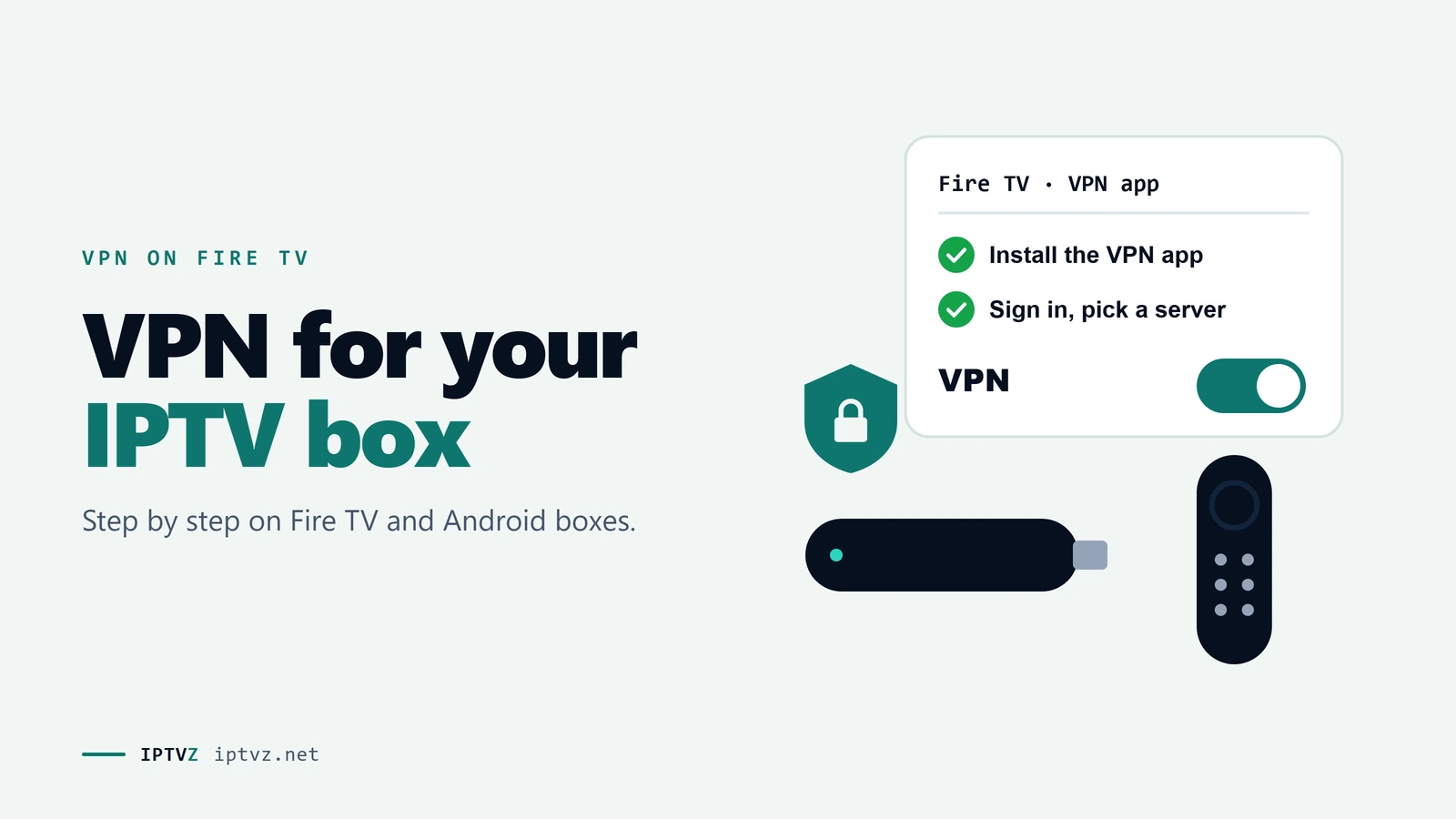
Most big VPNs have a Fire TV app, so you don't need to sideload anything. Here's the usual sequence.
Connect first, then open your IPTV app
- Get a VPN account
Sign up on the VPN's website. It's easier on a phone or computer than with a remote.
- Install the app
On the Fire TV home screen, open Find or search, type the VPN's name, and choose Get or Download. Use the Appstore listing, not a file from a forum.
- Sign in
Many VPN apps let you scan a code or enter a short code on your phone, which saves typing with the remote.
- Pick a nearby server
Choose one in your own country and close to you. A distant server adds delay to every channel.
- Connect and accept the request
The first time, Fire TV asks you to allow the VPN connection. Choose OK.
- Open your IPTV app and test
Go back to the home screen, open your IPTV app and play a channel. Leave the VPN running in the background.
Once it works, check your speed on the device. If it's too low, try another nearby server or protocol. You still need about 25 Mbps for 4K, as our guide to internet speed for IPTV explains. For the IPTV side of the setup, see our Fire Stick setup guide.
On a Google TV or Android box
It's almost the same on Google TV, Android TV and boxes like the Onn 4K. Install the app from Google Play, sign in, pick a nearby server, allow the connection, then open your IPTV app. Many VPN apps can also connect by themselves when the device starts. That's handy, but it means every app goes through the VPN unless the app lets you exclude some.
If your box has no Google Play, check the VPN's website for an Android app, and only use the official download. See our Android setup guide for the IPTV side.
Newer Fire TV Sticks with Vega OS
The Fire TV Stick 4K Select runs Amazon's Vega OS, not the Android-based Fire OS. It takes apps from the Amazon Appstore only, so sideloading is out. It launched with no VPN apps. NordVPN and IPVanish appeared in late November 2025, according to Cordbusters, and others may have followed, so search the Appstore for the one you want before you pay.
Check your IPTV app too. A player that's only available as a download file won't install on Vega OS. If you're choosing a device, see our guide to the best IPTV for a Fire Stick.
Send only your IPTV app through the VPN
Split tunneling lets you pick which apps use the VPN. It's the most useful setting for IPTV, because your other apps keep their normal route. That matters for services that dislike VPNs, and it spares them the speed cost. As one Reddit user explained: "I can only set apps I want to go through VPN so I set TiviMate but nothing else."
Look for "split tunneling", "app rules" or "bypass" in the VPN app's settings. It isn't available in every app or on every device, so check before you buy. You can also set it the other way round: one user keeps the VPN on the two apps that need it, "with all the other apps set to bypass".
A kill switch is the other setting you'll see. It cuts your internet if the VPN drops, which keeps traffic off the normal route but also stops your channel. If you want the VPN only for smooth playback, you may prefer it off.
TVs with no VPN app
Many Samsung and LG TVs don't have VPN apps, as Reddit users often find out too late. You have three options:
Where a VPN can run, and what it covers
| Option | Effort | Covers | Good for |
|---|---|---|---|
| Add a streaming stick or box | Low | That device | Most people, and it usually runs IPTV apps better too |
| VPN on your router | Higher | Everything on the router | Several TVs with no VPN app; needs a router that supports it |
| A second router just for the TV | Higher | What you connect to it | Keeping the rest of the house off the VPN |
When Reddit users compared the device and the router, 5 of 7 answers preferred the device. "The fire stick app is way less hassle, you can turn it on or off in two clicks," one wrote. Router fans liked covering every device at once. Provider-supplied routers often can't run a VPN, so check yours first.
If channels stop with the VPN on
In the nine Reddit threads where a VPN broke IPTV, the most common explanation (19 of 46 answers) was the IPTV service itself. Work through these in order:
- Turn the VPN off and test
If channels play, the VPN is the cause. If they don't, look elsewhere.
- Try another nearby server
Servers have different addresses, and some may be blocked. One user found one city's server worked or failed depending on the IP address it gave them.
- Change the protocol
Look in the VPN's connection settings. Some users fixed it this way.
- Turn off the threat filter
Filters built into some VPN apps were blamed for blocked streams and guides.
- Restart the IPTV app after connecting
The app may be holding the old connection. Close it fully, then open it again.
- Ask your IPTV service
Ask whether it allows VPNs and whether there's a separate link for them. Some services do this.
The full picture is in why a VPN can block your IPTV. IPTVZ works without a VPN, and we don't recommend a brand. If you use one and channels stop, turn it off to test, then contact us by live chat or email.
People also ask
These are the questions Google showed for "VPN on Firestick" and "VPN for IPTV box" on November 5, 2026 (US settings, results not personalized). Each one gets a straight answer first.
Can you use VPN on a Fire Stick?
Yes. Most big VPNs have a Fire TV app in the Amazon Appstore. Install it, sign in, connect, then open your IPTV app. On the newer Vega OS sticks, fewer VPN apps are available, so check before you pay.
Is there any free VPN for Fire Stick?
Yes, but free plans usually have limits that don't suit live TV. A 2 GB cap lasts about 33 minutes of HD. Only install one from a named company, through the Appstore. See our guide to free VPNs for IPTV.
Do I really need a VPN for my Fire Stick?
No. A Fire Stick works fine without one, for IPTV and everything else. Add one if you have a reason, such as a provider block or wanting the privacy, and test whether it helps.
How much does VPN cost for Fire Stick?
Usually a few dollars a month on a long plan, and more if you pay month to month. Reddit users mentioned deals from about $29 to $79 a year. Prices change often, and renewals can cost more, so check the renewal price before you buy.
Why does my IPTV not work with VPN?
Usually because the IPTV service blocks VPN addresses, or that server or a VPN setting is the problem. Try another nearby server and turn off any threat filter. Then ask your service if it allows VPNs.
Which VPN works with IPTV?
There's no single answer, because it depends on your IPTV service and the server you pick. The same VPN can work with one service and fail with another. Test it during a refund period. We don't recommend a brand.
How do I add a VPN to IPTV?
You add it to the device, not to the IPTV service. Install the VPN app on the stick or box you watch on, connect first, then open your IPTV app. Most IPTV players don't have a VPN built in.
More questions about VPN setup
Do I have to turn the VPN on every time?
Many VPN apps can connect automatically when the device starts. Look for a setting like auto-connect. With split tunneling, you can leave it on and only your IPTV app uses it.
Can I use one VPN account on several Fire Sticks?
Usually, up to the VPN's device limit, which varies by company. Check the limit before you buy. A VPN on your router counts as one connection on many services.
Will a VPN affect my other apps?
It can. Some streaming apps refuse VPN connections. Split tunneling keeps those apps on your normal route.
Does a VPN affect the number of IPTV connections?
It can if your VPN changes your IP address during a session, because the service may count that as a new connection. Turn off any rotating IP option. Our guide to multiple connections explains the limits.
Is it hard to set up a VPN on a router?
It's more work than an app, and it depends on the router. Some have a VPN option in their settings, and others need a replacement. Follow your router maker's guide and your VPN's guide.
Sources and data
- Cordbusters, Fire TV 4K Select Finally Gets VPNs, But Issues Remain, November 30, 2025.
- IPTVZ, 56 public Reddit threads about VPNs and IPTV, read without an account on November 5, 2026; 46 top-level answers in 9 threads where a VPN broke IPTV and 7 answers on device or router coded by hand. Users quoted without usernames; no sellers named.
- IPTVZ, Google results and "People also ask" questions for "VPN on Firestick" and "VPN for IPTV box", US settings, collected November 5, 2026.
- IPTVZ keyword research: Semrush US data for VPN setup searches, collected November 5, 2026.
Test it on your own TV
Which IPTVZ plan is right for you?
Both plans carry the same channels, movies and sports, with the same 48-hour money-back guarantee. Pick one and order right here.
Standard
- 19,000+ live channels, including 830 US local stations
- 80,000+ movies & series on demand
- NFL, NBA, MLB, NHL & PPV events
- 24/7 support by chat & email
$29.99
$10.00/mo · billed once
VIP
- Everything in Standard, plus:
- Free Hot Player or EBO Player activation for 1 year
- Premium Server
- Faster, priority support
$44.99
$15.00/mo · billed once
Not ready to buy? Start a free trial, no credit card needed.
- 48-hour money-back guarantee for technical issues
- Pay by card, crypto, bank transfer, Cash App and more
- Up to 5 devices and plans up to 5 years on the pricing page
Sources
Discover more
Explore our other guides & insights
From device setup guides to channel overviews: find everything you need to stream smarter.