

Internet Speed for IPTV: What HD and 4K Really Need
Most advice on internet speed for IPTV is a single number. The real answer depends on what you watch, how many screens run at once and how steady your connection is. We put the official figures from the FCC, Netflix, YouTube TV and DIRECTV side by side, added our own test results, and worked out what a household actually needs, including how much data IPTV uses.
Who wrote this: IPTVZ sells IPTV. We don't sell internet service and we earn nothing from any provider mentioned here. Figures come from each company's own guidance, and the data-use numbers are our own arithmetic, so you can check them.
The short answer: about 8 Mbps for HD, 25 Mbps for 4K, and room to spare
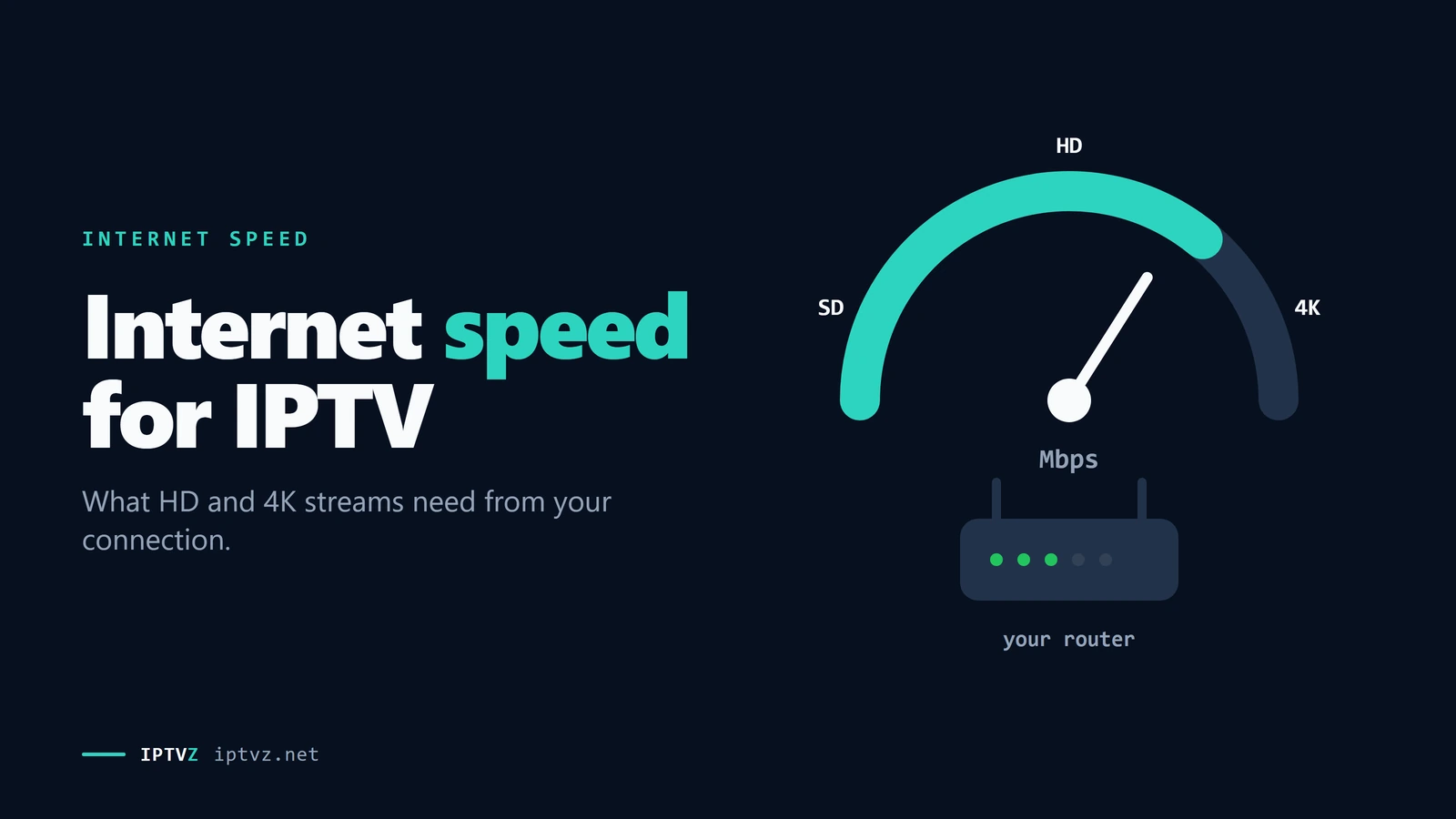
For IPTV, the internet speed to plan on is 5 to 8 Mbps per HD stream and about 25 Mbps per 4K stream. Those are the figures from the FCC, and YouTube TV and DIRECTV ask for the same 25 Mbps for 4K. For a home, add up every stream running at once and leave room for everything else, which puts most households at 50 to 100 Mbps. Above that, the steadiness of your connection matters more than the number: a wired TV on a modest plan usually beats a TV at the far end of the house on a fast one.
The key point
Live TV can't wait for a slow moment to pass. IPTV needs a steady flow more than a high peak, so fix your Wi-Fi before you pay for a bigger plan.
This guide is part of our series on what makes an IPTV service reliable. If your IPTV is freezing right now, go straight to our IPTV buffering fixes.
How much speed each stream needs
There's no official IPTV number, because each channel is encoded differently. But live IPTV is the same kind of video as any other stream, so the guidance from major services is a fair guide. Here it is side by side.
| Source | HD | 4K | Note |
|---|---|---|---|
| FCC speed guide | 5–8 Mbps | 25 Mbps | Minimums, one activity at a time |
| Netflix | 3 Mbps (720p), 5 Mbps (1080p) | 15 Mbps | "or higher" |
| YouTube TV | Not stated on its 4K page | 25 Mbps | Live TV |
| DIRECTV | Not stated on its 4K page | 25 Mbps | "at least", and more for other home use |
For IPTV, use the higher figures. Live streams can't load ahead the way a movie can, and the quality of IPTV channels varies. So we suggest 8 Mbps per HD stream and 25 Mbps per 4K stream as working numbers. Keep in mind that "4K" channels are rarer than the label suggests, as we explain in our guide to 4K IPTV.
Work out what your home needs
Speed adds up. Every stream, video call and game takes its share at the same moment, and the FCC's figures are for one activity at a time. So count what really runs together on a busy evening.
One busy evening in a family home, added up
| Household | Streams at once | Suggested plan |
|---|---|---|
| Single viewer | 1 HD | 25 Mbps |
| Couple | 2 HD, some browsing | 50 Mbps |
| Family | 3 HD, or 1 4K and 2 HD | 100 Mbps |
| Big or heavy household | Several 4K streams, gaming, video calls | 200 Mbps or more |
Those are our suggestions, built from the figures above with room to spare. If you already have 300 Mbps or more, speed isn't your problem. Don't let anyone sell you a faster plan to fix buffering until you've checked the next section.
Why steady beats fast
Your plan's speed is a maximum. What a stream needs is a minimum that never dips, because live video is delivered as it happens. Three things decide that, and none of them is the number on your bill:
- Your Wi-Fi. Walls, distance and neighbors' networks eat speed in ways a plan can't fix. One Reddit user saw Wi-Fi speed of about 250 Mbps jump to around 700 on a cable, and wrote that "buffering was gone". Another counted 10 to 15 buffering moments a day on Wi-Fi and 1 to 2 on a wired adapter, on the same 500 Mbps plan.
- Your device. Some older sticks can't pass their network speed on to the app, whatever your plan is. Their Wi-Fi or Ethernet port can be the slowest link in the house.
- The route to the server. A speed test measures the path to a nearby test server. It says nothing about the path to your IPTV server, which may be busy or far away.
A fast speed test and a slow stream can both be true
How to run a speed test that means something
- Test on the device you watch on
A phone next to the router tells you nothing about the TV stick behind the set. Install a speed test app on the stick or box, or use the TV's browser.
- Test at the time you watch
Run it on a busy evening, while the family is online. A test at noon shows your connection at its best.
- Run it three times
Look at the lowest result as well as the highest. A connection that swings from 200 to 15 Mbps will freeze even though its best number looks great.
- Compare Wi-Fi and cable
If you can, connect the device with Ethernet for one test. The difference shows what your Wi-Fi is costing you.
- Then test a real stream
Play a live channel for ten minutes. A trial tells you more than any speed test, because it uses the actual route to the actual server.
If your speed test is fine and IPTV still struggles, work through our IPTV buffering guide. It covers the home fixes and how to tell when the service is the cause.
How much data IPTV uses
If your plan has a data cap, or you use a hotspot, this matters as much as speed. The math is simple: megabits per second, times 3,600 seconds, divided by 8 bits per byte.
| Stream | Per hour | A 3-hour game | 4 hours a day for 30 days |
|---|---|---|---|
| HD at 5 Mbps | 2.25 GB | 6.75 GB | 270 GB |
| HD at 8 Mbps | 3.6 GB | 10.8 GB | 432 GB |
| 4K at 15 Mbps | 6.75 GB | 20.25 GB | 810 GB |
| 4K at 25 Mbps | 11.25 GB | 33.75 GB | 1,350 GB |
So one 4K stream for four hours a day can pass 1 TB a month by itself. If your internet provider has a monthly cap, HD is the safer choice for everyday viewing. IPTV keeps using data while a channel is on, even if nobody's watching, so turn the player off when you leave the room.
What we saw in our own tests
Our own tests were on ordinary home Wi-Fi in New York City, about 25 to 50 Mbps, with no exact speed-test figure on record.
| Test | Result |
|---|---|
| Full NBC game, September 9, 2026 | About three hours in the Hot Player app, with no buffering |
| 4K channel, November 1, 2026 | Sky Sports UHD [Event] read 3840 x 2160 and played smoothly in a short test |
That shows a modest connection can be enough, and it's a sign you don't need a gigabit plan for IPTV. It's only two tests on one connection, so try it on yours with a free trial. New subscriptions also come with a 48-hour money-back guarantee for technical issues.
People also ask
These are the questions Google showed for "IPTV internet speed" and "internet speed for 4K streaming" on November 5, 2026 (US settings, results not personalized). Each one gets a straight answer first.
What is a good internet speed for IPTV?
For one HD stream, 25 Mbps is comfortable; for a family, 100 Mbps covers most homes. Each HD stream needs about 5 to 8 Mbps and each 4K stream about 25 Mbps. Above that, a steady connection counts for more than a higher number.
Why is my IPTV so slow?
Usually because of your Wi-Fi, a busy server or the device, not your plan's speed. Test the same channel on a phone hotspot and on another device. If it's slow everywhere at a busy time, the service is the likely cause; if it's only on one TV, the fix is at home. Our IPTV buffering guide goes through each step.
Is 100 Mbps enough for 4K?
Yes. 100 Mbps is enough for about three 4K streams at 25 Mbps each, with room left over. The catch is getting that speed to the TV: a weak Wi-Fi signal can leave it far less than your plan delivers.
Is 200 Mbps fast enough for streaming TV?
Yes, for almost any home. 200 Mbps can carry several 4K streams at once plus everyday use. If you still see freezing on 200 Mbps, a faster plan won't help; look at Wi-Fi, the device or the service.
Is 300 Mbps enough for 4K streaming?
Yes, by a wide margin. A 4K stream needs about 25 Mbps, so 300 Mbps leaves plenty of room. On a plan that size, speed is very unlikely to be what's holding your picture back.
More questions about IPTV and internet speed
Is 25 Mbps enough for IPTV?
Yes, for one or two HD streams. It's the minimum for one 4K stream, with nothing left for the rest of the house. Our own full-game test ran on Wi-Fi of about 25 to 50 Mbps with no buffering.
Does IPTV need fast upload speed?
No. Watching is almost all download. Upload matters for video calls and sending files, so it only affects IPTV if something else in the house is using it all.
Is Ethernet better than Wi-Fi for IPTV?
Yes, if you can run a cable. It removes the most common cause of dips, and users in our Reddit research saw clear improvements. If you can't, put the router closer or use 5 GHz Wi-Fi.
Will a faster plan stop IPTV buffering?
Only if your plan is the real limit, and on 100 Mbps or more it rarely is. Run the tests above first. Many people pay for speed when the problem is their Wi-Fi or the server.
Does a VPN slow down IPTV?
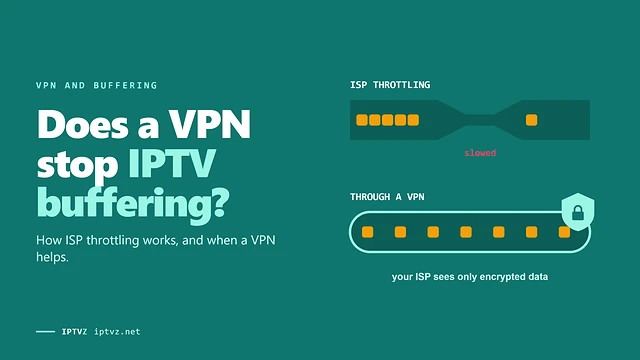
It can. A VPN adds a stop on the route, so you usually lose some speed. It can still help if your internet provider slows streaming traffic. Test the same channel with and without it.
Can I use IPTV on a phone hotspot?
Yes, and it's a useful test, but watch your data. At 8 Mbps, a three-hour game uses about 10.8 GB.
Sources and data
- Federal Communications Commission, Broadband Speed Guide, read November 5, 2026.
- Netflix Help Center, Netflix-recommended internet speeds, read November 4, 2026.
- YouTube TV Help, Get extra features with 4K Plus, read November 5, 2026.
- DIRECTV, DIRECTV 4K UHD streaming FAQ, read November 5, 2026.
- IPTVZ tests: full NBC broadcast of Patriots at Seahawks, September 9, 2026, and a short 4K recording, November 1, 2026, home Wi-Fi of about 25–50 Mbps, New York City.
Show all 9 sourcesShow fewer
- IPTVZ, public Reddit threads about IPTV buffering and internet speed, read without an account on November 4–5, 2026. Users quoted without usernames.
- IPTVZ, Google results and "People also ask" questions for "IPTV internet speed" and "internet speed for 4K streaming", US settings, collected November 5, 2026.
- IPTVZ keyword research: Semrush US data for IPTV speed searches, collected November 5, 2026.
- IPTVZ plans and refund policy as published on iptvz.net, November 5, 2026.
Test it on your own TV
Which IPTVZ plan is right for you?
Both plans carry the same channels, movies and sports, with the same 48-hour money-back guarantee. Pick one and order right here.
Standard
- 19,000+ live channels, including 830 US local stations
- 80,000+ movies & series on demand
- NFL, NBA, MLB, NHL & PPV events
- 24/7 support by chat & email
$29.99
$10.00/mo · billed once
VIP
- Everything in Standard, plus:
- Free Hot Player or EBO Player activation for 1 year
- Premium Server
- Faster, priority support
$44.99
$15.00/mo · billed once
Not ready to buy? Start a free trial, no credit card needed.
- 48-hour money-back guarantee for technical issues
- Pay by card, crypto, bank transfer, Cash App and more
- Up to 5 devices and plans up to 5 years on the pricing page
Sources
- fcc.gov: Broadband Speed Guide fcc.gov
- help.netflix.com: Netflix-recommended internet speeds help.netflix.com
- support.google.com: Get extra features with 4K Plus support.google.com
- directv.com: DIRECTV 4K UHD streaming FAQ directv.com

Discover more
Explore our other guides & insights
From device setup guides to channel overviews: find everything you need to stream smarter.