

IPTV for Roku TV (TCL, Hisense and Roku-Made TVs)
A Roku TV is a TV with Roku built in, sold by TCL, Hisense and other brands, and since 2023 by Roku itself. For IPTV it follows the same rules as a Roku stick: only apps from Roku's store. But a Roku TV has one thing a Roku stick doesn't: spare HDMI ports. Here's how to check what your TV runs, what works on it, and the easiest way to get a full IPTV player on the same screen.
Who wrote this: IPTVZ sells IPTV, and our login works in Roku store players and on the streaming sticks named here. We don't make or sell any TV, stick or player. We don't name or rank other sellers. We read public Reddit threads without an account and quote users without their usernames.
The short answer: a Roku TV works like a Roku, plus HDMI ports
IPTV for Roku TV works the same way as on any Roku: you install an IPTV player from Roku's store and add your service's login. Roku TVs can't install Android apps, so TiviMate isn't an option on the TV itself. What a Roku TV does have is spare HDMI ports. Plug in a Fire TV Stick with Fire OS or a Google TV device, switch to that input, and you get a full player with a TV guide, catch-up and recording on the same screen. Before you start, check that your TV really is a Roku TV, because TCL and Hisense also sell Google TV models.
The key point
The brand on the TV doesn't tell you the system. The home screen does: a Roku TV and a Google TV from the same brand work very differently for IPTV.
This guide is part of our series on IPTV on Roku. For other TVs, see IPTV by device.
Is your TV a Roku TV?
Roku has licensed its system to TV makers since 2014, so many TVs from TCL, Hisense, Philips, Westinghouse and other brands run Roku. Since 2023, Roku also sells its own TVs, starting with the Select and Plus Series and, in 2024, the Pro Series. But the same brands sell TVs with Google TV or their own systems too, and that changes what you can install.
Which system does your TV run?
To be sure, open Settings, then System, then About on the TV. A Roku TV shows its Roku software version there. If your TV turns out to run Google TV, it can install TiviMate directly, and our Android and Google TV guide applies. Hisense TVs with VIDAA have their own Hisense guide.
What works on a Roku TV
| Option | What works | The catch |
|---|---|---|
| A Roku store player | Your Xtream Codes or M3U login, right on the TV | Basic apps; many free ones become a paid trial |
| Mirroring or AirPlay | Most current Roku TVs can receive a phone or computer screen | The phone has to keep playing |
| A stick in an HDMI port | A full player such as TiviMate, with guide, catch-up and recording | One more remote, unless the TV switches inputs for you |
| Android apps or APK files | Nothing: Roku TVs can't install them | "Roku IPTV codes" stopped working in 2022 |
A Roku TV also has a TV tuner. With an antenna, its Live TV input shows local broadcast channels for free, and The Roku Channel adds hundreds of free streaming channels. Neither is IPTV, but for news and network shows they may be all some households need. Our guide to free IPTV on Roku sorts the free options from the fake ones.
Adding a stick to a Roku TV
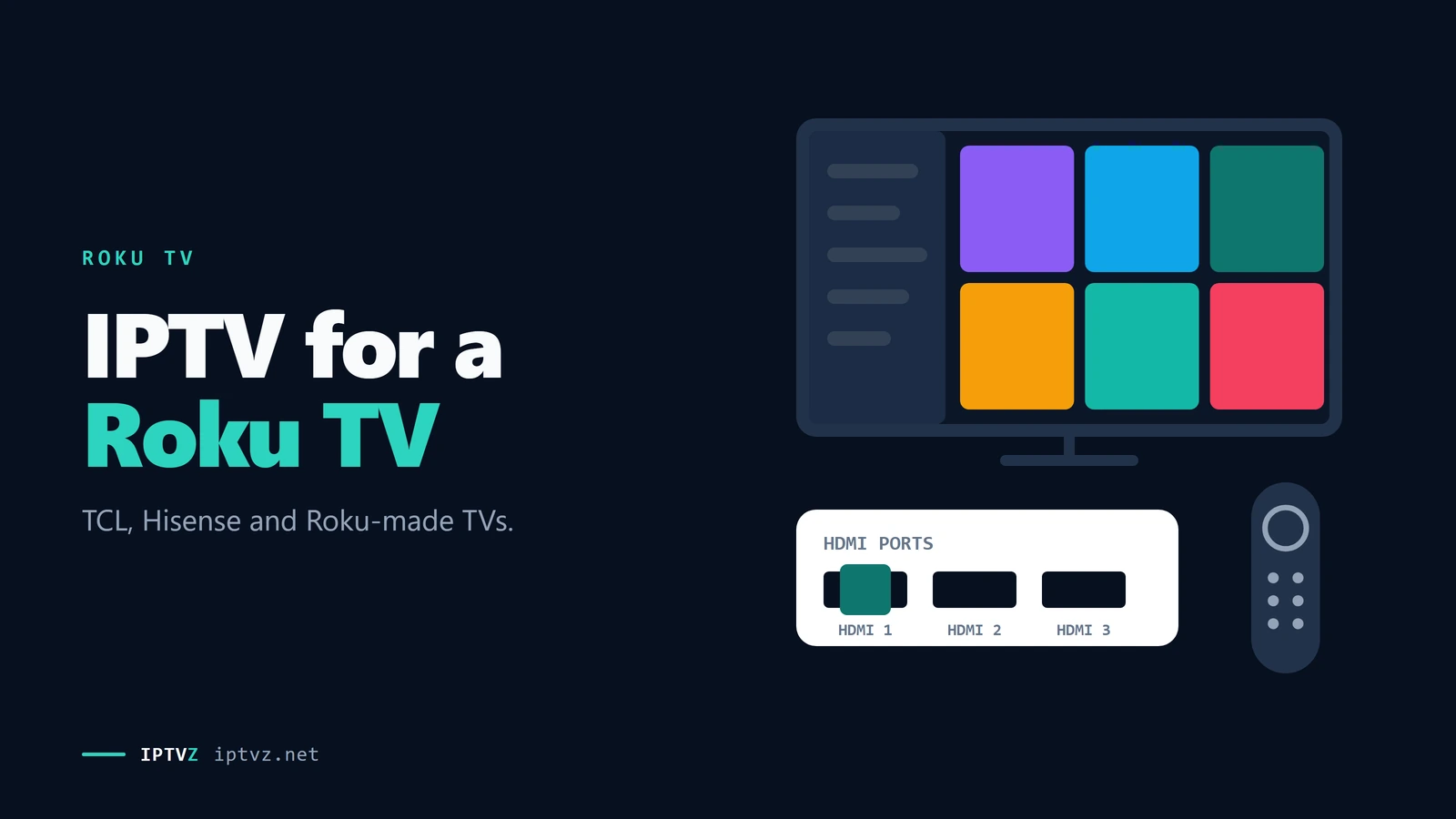
This is the route most Reddit answers recommend when someone asks how to watch IPTV on a Roku TV. A streaming stick plugs into a spare HDMI port on the back or side of the TV, and the Roku TV shows it as one of its inputs.
A Roku TV with a stick in a spare HDMI port
- Pick a stick that can install your player
A Fire TV Stick with Fire OS, such as the 4K Max, or a Google TV device. Avoid the Fire TV models with Vega OS, which can't install TiviMate.
- Plug it into a spare HDMI port
Use the stick's own power adapter if the TV's USB port is weak, which can cause restarts.
- Choose the input on the Roku TV
The Roku home screen shows each HDMI input as a tile. On many TVs, turning on the stick switches the input for you.
- Install the player and add your login
Our Fire TV setup guide and Google TV guide walk through it.
You keep the Roku TV for everything else, such as Netflix, the antenna or The Roku Channel, and switch to the stick for IPTV.
What Roku TV owners asked
In the 17 Roku threads we read, Roku TV owners asked the same thing in several languages: is there any way to get IPTV or other apps on the TV itself? The answers were blunt that Roku is a closed system, and the top advice was to add a cheap device rather than replace the TV. One reply with 74 upvotes said: "Really worth it to pick up one of Walmart's cheap 4k players. $25 and you can install whatever you want."
Owners who mainly wanted network channels got different advice: an antenna on the TV's tuner and the free channels in The Roku Channel. Our guide to the best IPTV for Roku has the full breakdown of what those threads suggested.
IPTVZ on a Roku TV
Your IPTVZ login works in Roku store players that accept Xtream Codes or M3U, and in TiviMate on a stick plugged into the TV. Our Roku setup guide shows both routes. If you want help choosing, our support by live chat or email can tell you what to try first. A free trial lets you test either route on your own TV before you buy a plan.
People also ask
These are the questions Google showed for "IPTV on Roku TV" on November 5, 2026 (US settings, results not personalized). Each one gets a straight answer first.
Does Roku TV have an IPTV app?
Yes, Roku's store has several IPTV player apps, and they work on Roku TVs. They come with no channels: you add your service's Xtream Codes login or M3U link. They're simpler than Android players, so check recent reviews before you pick one.
How do I get IPTV on my Roku?
Install an IPTV player from Roku's store, open it and add your service's login. On a Roku TV, you can also plug a streaming stick into a spare HDMI port and use a full player such as TiviMate.
More questions about IPTV on a Roku TV
Can I install TiviMate on a TCL Roku TV?
No. TCL Roku TVs run Roku and only install apps from Roku's store. A TCL TV with Google TV can install TiviMate, so check which one you have.
How do I add an app to a Roku TV?
Press Home on the remote, open the Streaming Store, search for the app and select Add app. Only apps in Roku's store can be added.
Can I watch IPTV on my TV without a box?
On a Roku TV, yes, with a player from Roku's store. A stick only becomes worth it if the store players feel too limited.
Will a stick slow down my Roku TV?
No. The stick runs on its own, and the Roku TV just shows its input. Use the stick's power adapter if the TV's USB port can't keep it powered.
Sources and data
- IPTVZ, 17 public Reddit threads about IPTV and live TV on Roku, read without an account on November 5, 2026. Users quoted without usernames; no sellers named.
- SlashGear, "Who Makes Roku TVs And Where Are They Built", May 2025 (licensing since 2014); BGR, "Roku TVs: Here's Who Makes Them And Where They're Manufactured", January 2026 (Roku's own TVs from 2023 and 2024).
- Roku support, "How to use AirPlay and screen mirroring", read November 5, 2026.
- IPTVZ, Google results and "People also ask" questions for "IPTV on Roku TV", US settings, collected November 5, 2026.
- IPTVZ keyword research: Semrush US, Canada and Brazil data for Roku TV searches, collected November 5, 2026.
Test it on your own TV
Which IPTVZ plan is right for you?
Both plans carry the same channels, movies and sports, with the same 48-hour money-back guarantee. Pick one and order right here.
Standard
- 19,000+ live channels, including 830 US local stations
- 80,000+ movies & series on demand
- NFL, NBA, MLB, NHL & PPV events
- 24/7 support by chat & email
$29.99
$10.00/mo · billed once
VIP
- Everything in Standard, plus:
- Free Hot Player or EBO Player activation for 1 year
- Premium Server
- Faster, priority support
$44.99
$15.00/mo · billed once
Not ready to buy? Start a free trial, no credit card needed.
- 48-hour money-back guarantee for technical issues
- Pay by card, crypto, bank transfer, Cash App and more
- Up to 5 devices and plans up to 5 years on the pricing page
Sources

 Buying guides
Discover more
Explore our other guides & insights
From device setup guides to channel overviews: find everything you need to stream smarter.