

Your IPTV Account: Login, Expiry and Renewal Explained
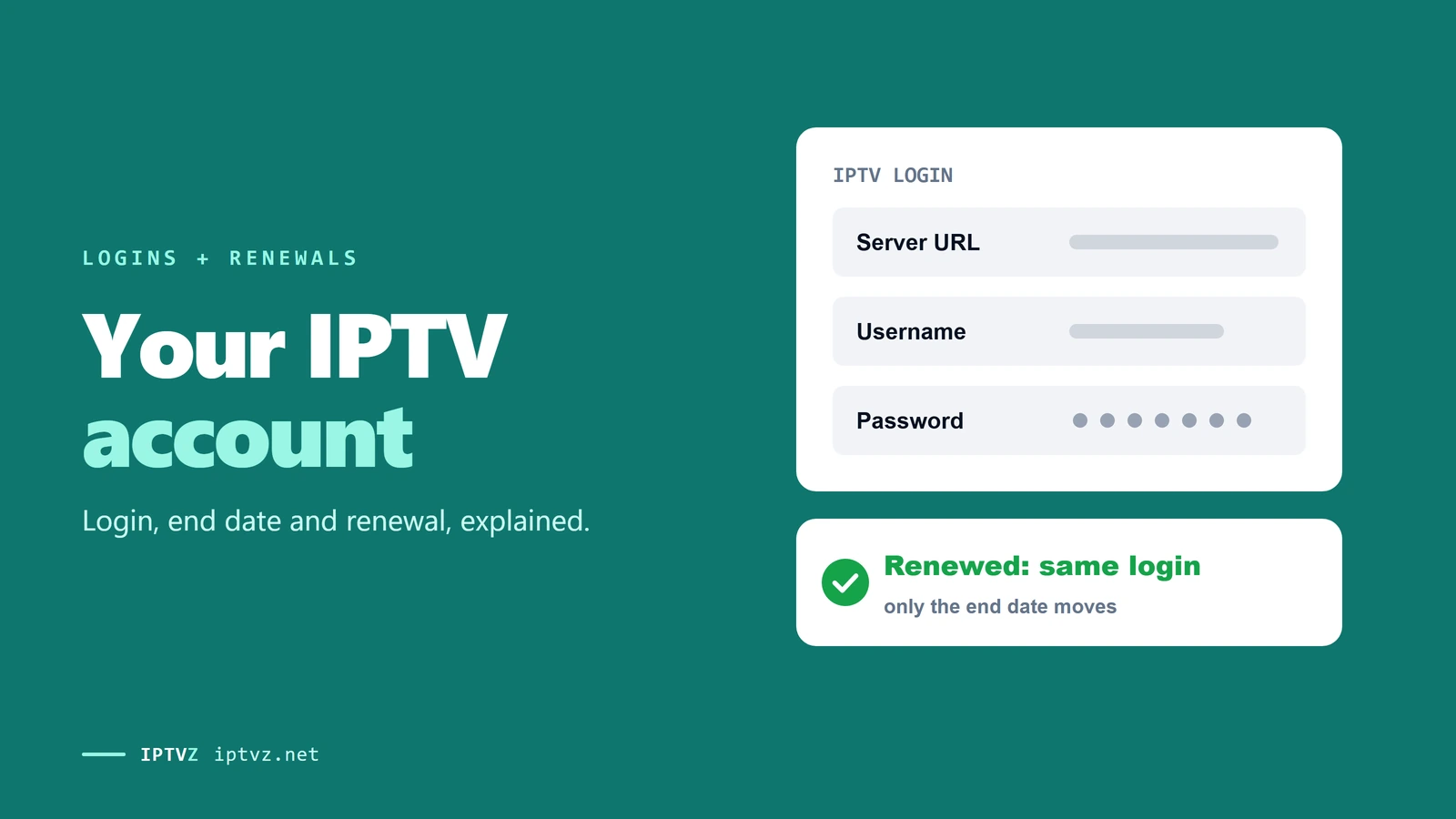
An IPTV account is one login on your provider's server: a server URL, a username and a password that you type into a player app. It has an end date and a set number of screens, and only the provider that created it can extend it. This guide explains how to get one, log in, find it again, keep it when you renew and work out why it stopped, using 16 Reddit threads from 2026 and our own Help Center.
Who wrote this: IPTVZ sells IPTV, and the examples from our own service are marked as ours. Everything else applies to any provider. We don't name other sellers or marketplaces, and we read public Reddit threads without an account.
The short answer: an IPTV account is a login with an end date
An IPTV account is a line that your provider creates on its server. You get three details, a server URL, a username and a password, and type them into a player app such as TiviMate or IPTV Smarters Pro. Some players take one M3U link instead, and MAG boxes use a portal address. The account has an end date and a number of screens that can play at once. When you renew with the same provider, the end date usually moves and the login stays the same. Only the provider that made the line can extend it.
The key point
Keep your login email and your provider's contact details somewhere safe. In our Reddit sample, not being able to renew with the seller came up as often as a broken login.
This guide is part of our explainer on how an IPTV subscription works. For the login types themselves, see our guide to Xtream Codes and M3U.
Three logins people mix up
When you search "iptv login", Google mostly shows player apps' sign-in pages and marketplace listings. That's the first trap: an IPTV setup can involve three different logins, and only one of them plays TV.
Which login does what
| Login | Who gives it to you | What it opens | If it stops |
|---|---|---|---|
| Seller account | The IPTV provider's website | Orders, end dates, support tickets | Your TV keeps playing |
| Player app account | The app's developer, if you pay for extras | App features such as more playlists | The app may drop to its free mode |
| IPTV login | The IPTV provider | Your channels, movies and TV guide | Nothing plays |
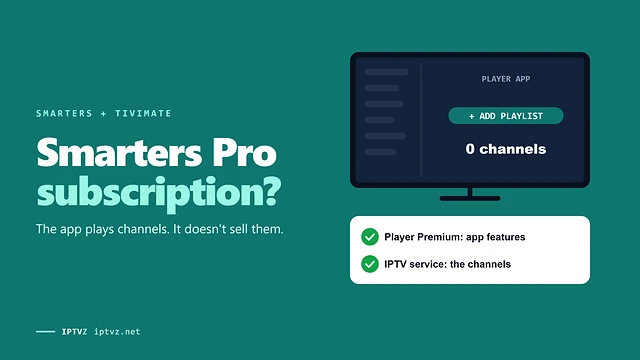
The mix-up is common. In our research for the Smarters and TiviMate subscription guide, 9 of 37 player threads came from people who had mixed up the player and the IPTV service.
How you get an IPTV account
You get an IPTV account from a provider, either by buying a plan or by starting a free trial. The provider creates a line on its server and sends the login, usually by email, sometimes on the order page. One Reddit user who bought through a marketplace found theirs behind a button on the purchase order, not in the chat.
Two kinds of "accounts" are worth avoiding:
- Accounts for sale. Listings for an "IPTV account" or a "sharing account" on resale sites are lines someone else created, often shared with other buyers. You can't renew them yourself, and a shared line stops when too many people use it.
- Free logins posted online. These are someone else's paid line. "All of the ones I find expire in a couple days," one Reddit user wrote. Our guide to free vs paid IPTV covers the free options that are actually meant to be free.
How to log in to your IPTV account
Every player asks for the same details, under names like Add playlist, Add user or Login with Xtream Codes API:
- Choose Xtream Codes if the app offers it
It loads live channels, movies, series and the TV guide in one go. Use the M3U link only in players without Xtream Codes.
- Type the server URL exactly
Include http:// at the start and the port at the end if your email shows one, such as :8080.
- Type the username and password
Both are case-sensitive. Type them by hand: pasting can add a hidden space.
- Save, then wait for the guide
Channels load first. The TV guide can take several minutes the first time.
Typing a long URL with a TV remote is slow, and one Reddit user couldn't get past the URL field with the on-screen keyboard. Many apps let you type on your phone, or you can plug in a USB keyboard. For app-by-app steps, see our IPTV Smarters Pro guide and our TiviMate setup guide.
Lost your login? Where to find it again
You'll need your login again whenever you set up a new TV or reinstall an app. Look in this order:
- Your login email. Search your inbox for the provider's name and check spam. If you got more than one, for example after a trial and a paid plan, use the newest.
- The provider's account page, if it has one. Many show each login with its end date.
- The app you already use. The playlist settings in most players show the server URL and username, so a working device can help you set up a new one.
- The provider's support. Give your username, never your password, and the email you ordered with.
The server URL alone doesn't tell you how to renew. One Reddit user had the URL but had lost the seller's contact, a day before the plan ended, and the thread couldn't help.
Does your login change when you renew?
Usually not, if you renew with the same provider and ask for an extension: the provider adds time to your existing line, the end date moves and the username and password stay the same. Your login changes when the renewal creates a new line instead, for example with a new seller, a seller that only sells new lines, or a marketplace order without your username.
This was the most common account question in our sample. "Once the one month expires, and I buy for the month again, does my login change and I lose my favorites," one buyer asked. The answers in the thread:
- "If you buy from the next person, it starts immediately with new account info."
- From the same seller, the time "will add onto the sub you currently have and extend from that endpoint".
- Some sellers sell a "top up" where you give your username at checkout, so the time lands on the same line.
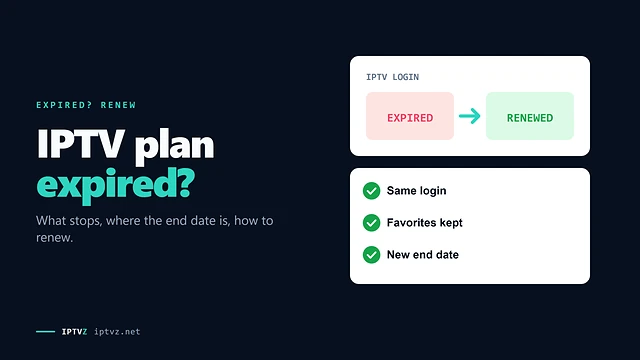
Buying early is covered in our guide to monthly vs yearly plans. If your plan has already ended, see what to do when an IPTV subscription expires.
Keeping your favorites when the details change
Favorites are saved by the player app on each device, and many apps save them per playlist. That's why a new playlist starts empty: one user who renewed and got a new M3U link had over 100 favorites to set up again. If you get new details from the same provider:
- Back up the app first
Use the app's backup option if it has one, so you can go back if something goes wrong.
- Edit the existing playlist
Change the username, password or server URL on the playlist you already have, instead of adding a new one. A Reddit answer put it simply: "just change the username and password on the existing playlist".
- Refresh the playlist
The channel list reloads with your favorites in place, as long as the channels themselves haven't changed.
Moving to a different provider is harder. Channel names and IDs differ, so favorites usually have to be set up again.
Your login stopped working: which is it?
A login that worked yesterday and fails today has one of three account causes. The error message usually tells you which. If no error appears and channels just won't play, start with our guide to telling if IPTV is down instead.
What the app says, and what to do
Two patterns from Reddit are worth knowing:
- The server URL changed without notice. One provider moved its server and didn't tell customers, so every playlist stopped at once. Another user had two services fail on the same day: "The links for both services just happened to go bust at the same time." The second user got the new URL from one provider. The first provider refused to give out the new URL at all and pushed customers to its own app.
- New login details every week or two. One first-time buyer's service stopped "once every other week" and the seller sent a new Xtream code each time. A reply explained that when a line's details are compromised, the service blocks it and the provider issues new ones. Once is bad luck; every week is a reason to change provider.
If the app says expired right after you renewed, it's usually showing a date it saved earlier. Our Help Center explains how to make the app pick up a renewal, and our IPTV troubleshooting guide covers the other errors.
When you can't reach the seller
In most reseller panels, a line can only be extended by the reseller account that created it. One buyer whose reseller had stopped answering asked whether another reseller could "top off" the account. The thread had no clear answer, and one user said their own reseller wouldn't even keep the same details on renewal.
Four of our 16 threads came from people who couldn't renew with their seller. In three, the seller had stopped answering or the contact was lost. To protect yourself:
- Save the seller's website and email in two places, not only in a chat app.
- Prefer a provider with a website, an account page and written support, so you aren't relying on one person's phone.
- Note your end date and renew a few days early, so a slow reply doesn't leave you without TV.
Sharing a login, and why it stops
Each IPTV login allows a set number of screens at once. When more devices play than the line allows, the app shows "max connections reached" or the stream keeps stopping. A TV left on in another room counts too.
- Don't post your login online or share it outside your home. A shared login can stop for everyone using it, and providers can block or reset it.
- Give each screen its own login if your plan includes several. Name each playlist after its room, so nobody uses the wrong one.
- Need more screens? A plan with more connections usually costs less than a second account. Our guide to IPTV with multiple connections explains how it works.
What Reddit users ask about their IPTV accounts
We read 16 public Reddit threads from 2026 about the buyer's own login: getting it, typing it in, keeping it through a renewal and what happens when it stops. Threads about paying for a player app were left out. One thread can raise several topics.
Topics in 16 Reddit threads about IPTV logins
The pattern is clear: people rarely struggle with the login itself for long. What hurts is a login that changes without warning, and a seller who can't be found when it's time to renew.
Your IPTVZ account
Here's how this works at IPTVZ, as one example. You have two separate logins, and neither changes the other:
| What | Account page | IPTV login |
|---|---|---|
| How you sign in | Your order email and a 6-digit code | Server URL, username, password |
| Where you use it | Our website | Your player app |
| What it shows | Each login with its end date, orders, trial, tickets | Channels, movies, series, TV guide |
| Screens | Several devices at once | One screen per login |
- No password for the account page. Each sign-in uses a new 6-digit code by email, which works once and expires after 10 minutes. See how passwordless sign-in works.
- One login per device. A plan for 2 or more devices comes with one login for each, listed as Device 1, Device 2 and so on.
- The trial has its own login. A paid plan sends new details. Replace the trial details in your app, or add the paid login as a new playlist and delete the trial one.
- Renewing keeps your login. Choose "Renew an existing subscription" at checkout and enter your username. The new time is added after your current end date. Plans never renew by themselves.
Lost your login? It's on the Subscriptions tab of your account page. The Help Center explains where to find your username, password and server and what to check when a login fails.
People also ask
These are questions people search for with "iptv login" and "iptv account", from Google results on November 6, 2026 (US settings, results not personalized). Each one gets a straight answer first.
How do I login to my IPTV account?
Open your player app, choose Xtream Codes, and type the server URL, username and password from your provider's login email. Type them exactly, including http:// and the port. If your app takes only a playlist link, use the M3U link instead.
How can I get an IPTV account?
Buy a plan or start a free trial with an IPTV provider. The provider creates a line on its server and emails you the login. Avoid accounts sold second-hand: you can't renew them and they're often shared.
What is IPTV login and password?
They're the personal details your provider gives you for its server, used together with a server URL. Both are case-sensitive. They're different from any password for the provider's website or your player app.
Where can I find my IPTV code?
In the login email your provider sent after you paid or started a trial. Some providers also show it on their account page. If your app asks for an activation code instead, ask whoever supplied the app.
Where can I find a free IPTV account?
A free trial from a provider is the safe way to get one. Free logins posted online are someone else's paid line and usually stop within days. For channels that are free on purpose, use free TV apps.
Can you set up IPTV yourself?
Yes. You install a player app and type in your login, which takes about 10 minutes on most devices. No technician or box is needed if your TV or streaming stick has an app store.
More questions about IPTV accounts
Can I use my IPTV account on more than one device?
You can install it on several devices, but only as many can play at once as your plan allows. At IPTVZ, each login plays on one screen at a time, and plans for 2 to 5 devices come with a login for each.
Can I change my IPTV username or password?
Only the provider can, because the login lives on its server. Ask support if you think someone else is using your login. Expect to update every device afterwards.
Will I lose my favorites if I reinstall the app?
Usually, yes. Favorites are saved by the app on that device, so reinstalling or clearing its data removes them. Use the app's backup option first if it has one.
Can a different seller renew my IPTV account?
Usually not. Most panels let only the reseller account that created a line extend it, so a different seller will usually give you a new line with new details.
Does my IPTV account renew automatically?
It depends on the provider, so read the plan page before you pay. Many IPTV plans are billed once and stop at the end date. At IPTVZ, plans never renew by themselves.
Sources and data
- IPTVZ, 16 public Reddit threads from January to November 2026 about IPTV logins, renewals and expired accounts, read without an account on November 7, 2026 and hand-coded (seo-research account_coding.py). Users quoted without usernames; no sellers or marketplaces named.
- IPTVZ, Google results and "People also ask" questions for "iptv account", "iptv login", "cuenta iptv" and "compte iptv", collected November 6–7, 2026.
- IPTVZ Help Center articles on sign-in, logins, renewals, favorites and connections, as published on November 11, 2026.
- IPTVZ, Reddit research for our Smarters and TiviMate subscription guide: 37 player threads, read November 7, 2026.
- IPTVZ keyword research: Semrush US data for account and login searches, collected November 7, 2026.
Test it on your own TV
Which IPTVZ plan is right for you?
Both plans carry the same channels, movies and sports, with the same 48-hour money-back guarantee. Pick one and order right here.
Standard
- 19,000+ live channels, including 830 US local stations
- 80,000+ movies & series on demand
- NFL, NBA, MLB, NHL & PPV events
- 24/7 support by chat & email
$29.99
$10.00/mo · billed once
VIP
- Everything in Standard, plus:
- Free Hot Player or EBO Player activation for 1 year
- Premium Server
- Faster, priority support
$44.99
$15.00/mo · billed once
Not ready to buy? Start a free trial, no credit card needed.
- 48-hour money-back guarantee for technical issues
- Pay by card, crypto, bank transfer, Cash App and more
- Up to 5 devices and plans up to 5 years on the pricing page

Discover more
Explore our other guides & insights
From device setup guides to channel overviews: find everything you need to stream smarter.