

IPTV Subscription Expired: What Happens and How to Renew
When an IPTV subscription expires, the channels stop at the end date and your app shows a message like "account expired". Your app, playlist and favorites stay on your device, so renewing usually takes a few minutes. This guide explains what each expired message means, where your player shows the end date, and how to renew without setting everything up again, using 14 Reddit threads and our own Help Center.
Who wrote this: IPTVZ sells IPTV, and the renewal steps for our own service are in a separate section. Everything else applies to any provider. We don't name other sellers or marketplaces, and we read public Reddit threads without an account.
The short answer: renew the same line, then refresh the app
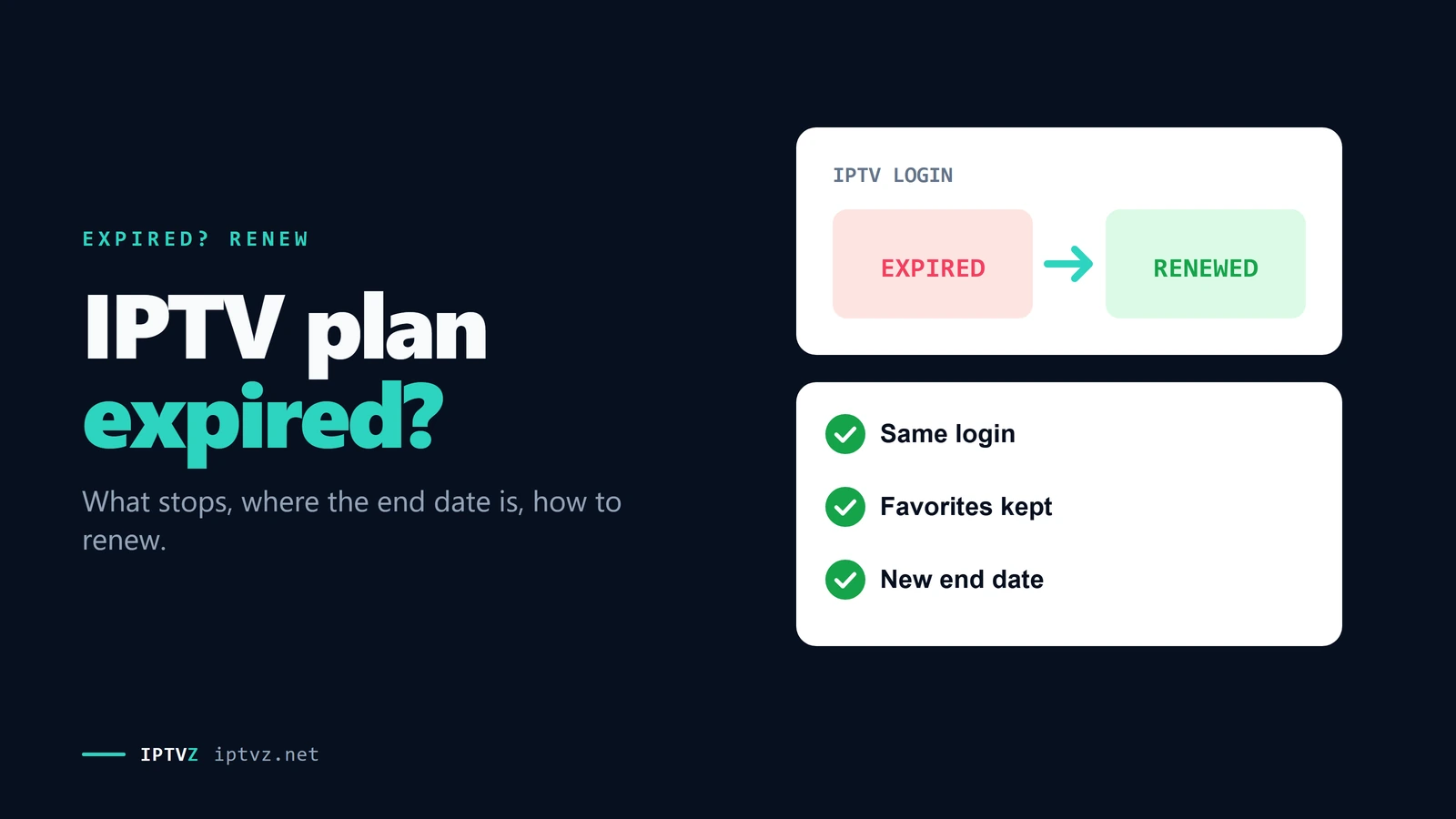
An IPTV subscription expires on the end date set on your provider's server. From then on, the server refuses your login and the app shows a message such as "account expired" or "your account is invalid or has expired". Nothing is deleted from your device. To renew, contact the same provider, ask to extend your existing line and give your username. Once the provider confirms the new end date, refresh the playlist or restart the app, and the same login keeps working with your favorites in place.
The key point
The end date lives on the provider's server, not in your app. If the app and your provider disagree, your provider's record is the one that counts.
This guide is part of our explainer on how an IPTV subscription works. For logins in general, see your IPTV account: login, expiry and renewal.
What happens when your IPTV subscription expires
An IPTV plan doesn't fade out. At the end date, the provider's server stops accepting your login, and everything that comes from the server stops with it. Everything stored on your device stays where it is:
When a plan ends: what stops and what stays
That's why the cheapest fix for an expired plan is an extension of the same line. If you renew with a new login instead, the app treats it as a new playlist, and in many apps your favorites start empty.
The expired messages, and what each one means
Not every "expired" on your screen is about your IPTV plan. Player apps have their own paid plans and trials, and they use the same word:
| What you see | Usually means | What to do |
|---|---|---|
| "Account expired" or "Your account is invalid or has expired" | Your IPTV plan reached its end date, or the app kept an old date | Check the end date with your provider, renew, then refresh the playlist |
| Expired right after you renewed | The app is showing the date it saved earlier | Refresh the playlist or restart the app and the device |
| "Invalid username or password" | The login details changed or were typed wrong | Check your newest login email; see when a login stops working |
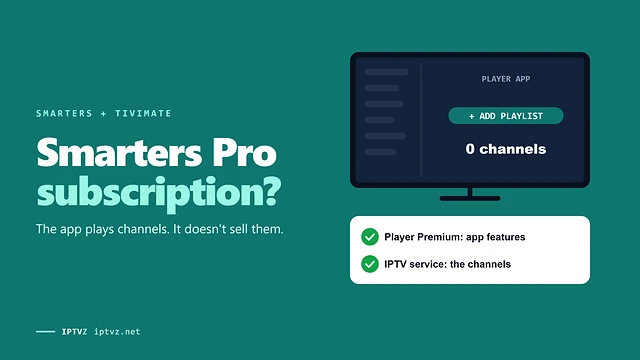
| The player's Premium or trial has ended | The app's own paid plan, not your IPTV service | Renew it where you bought the app's plan, or keep using the free mode |
The last row trips up a lot of people. Our guide to Smarters and TiviMate subscriptions explains what a player's Premium covers. If channels fail without any expired message, start with is IPTV down instead.
How to check when your IPTV subscription expires
Half of the Reddit threads we read, 7 of 14, asked the same thing: where does my player show the end date? With an Xtream Codes login, the app receives your account details from the server, and many players show the date. In TiviMate it's a few levels deep:
Where TiviMate shows your end date
Other places to check, starting with the most reliable:
- Your provider's record. An account page, the renewal email or the order confirmation. This is the date that decides when your line stops.
- IPTV Smarters Pro. Its developer lists "Show Expiry Date, Account Info" as a feature, so the app can show the end date after an Xtream Codes login.
- Other players. Reddit users point to an Account menu in XCIPTV and the source details in Sparkle.
The app's date can be wrong. One TiviMate user saw a date that had passed "yesterday", while the provider said three months were left. The advice in the thread: check your account with the provider and your invoice. And two Reddit users shared a simple habit: put the end date in the playlist's name, such as "Living room, ends 2027-04-30". One added that some providers "don't send notifications and the service just ends abruptly".
How to renew an IPTV subscription
Renewing with the same provider is the easy path, because the time is added to the login you already use. One Reddit answer put it plainly: "Better to buy a top up if you're buying from the same seller, that way you keep all the same login credentials."
- Find your username and end date
They're in your login email, the provider's account page or the app's account details. You'll need the username to renew the right line.
- Choose renew or top up, not a new order
On the provider's site, look for a renewal option, or contact support. Give your username so the time goes to your existing line.
- Pay and keep the receipt
If the provider asks for proof of payment, reply to the order email with it. Our guide to paying for IPTV covers each method.
- Check the new end date
Wait for the confirmation with the new date, and compare it with what you paid for.
- Refresh the playlist
Use the app's refresh or update option, or restart the app and the device, so it picks up the new date.
Renewing a few days before the end date avoids a gap if a payment takes longer. With the same provider, the new time is usually added after your current end date. Our guide to monthly vs yearly plans explains buying early.
Renewing after it has already expired
Usually you can, with the provider that created your line. "If my account has expired, can I still renew it from the same reseller?" one buyer asked in September 2026. The answer was short: "Yes you can."
Two things are worth asking before you pay. First, whether the new time starts today or from your old end date, because providers handle this differently. Second, whether your login stays the same, so you know if you'll need to edit the playlist in your app. When the renewal is confirmed, refresh the playlist; if the app still says expired, restart it.
Moving to a new provider instead
An expired plan is also the natural moment to switch. Just know what changes: a new provider gives you a new login, and often a new server address. "When it expires you will need to take out a new sub with a new provider," one answer said to a buyer whose seller had stopped replying with months left on the plan.
- Edit or add the playlist. If the server address is the same, changing the username and password on the existing playlist can keep your setup. Otherwise add the new login as a new playlist.
- Expect to redo favorites. Channel names and IDs differ between providers, so app backups rarely carry favorites across.
- Test before the old plan ends. A free trial from the new provider lets you check your channels while the old line still works.
Our account guide explains how to keep favorites when your login details change.
What Reddit users ask about expired IPTV plans
We read 14 public Reddit threads from 2021 to 2026 about the end date of an IPTV line: where to see it, how to renew and what happens around it. Threads about a player app's own Premium expiring were left out. One thread can raise several topics.
Topics in 14 Reddit threads about expired IPTV plans
The same questions show up in French and Portuguese searches: how to renew ("renouveler", "renovar") and how to top up ("recharger", "recarga"). Spanish and French results also point to the Reddit threads about where the player shows the end date.
Renewing IPTVZ
Here's how it works at IPTVZ, as one example:
- Your end date is on the Subscriptions tab of your account page, next to each login, and in your renewal emails.
- To renew, choose a plan, turn on "Renew an existing subscription" at checkout and enter your username. The new time is added after your current end date, and your login stays the same.
- If your plan has already ended, renew the same way and mention in your order email that the plan has ended.
- After the renewal is confirmed, we email you the new end date. If your app still says expired, refresh the playlist or restart the app.
- Plans never renew by themselves, so you're never charged without ordering.
- A free trial has its own login and ends at midnight Amsterdam time. A paid plan sends new details.
The Help Center explains how to renew or extend and what to do if the app says expired after a renewal. Plan lengths and prices are on our plans page.
People also ask
These are questions people search for with "iptv subscription expired", "iptv subscription renewal" and the same searches in Portuguese and French, from Google results on November 6 and 7, 2026. Each one gets a straight answer first.
What happens if an IPTV subscription expires?
The channels, movies and TV guide stop, and your app shows an expired or invalid-account message. Your app, playlist and favorites stay on your device, so renewing the same line brings everything back.
What does it mean if your subscription is expired?
It means the end date on the provider's server has passed, so the server no longer accepts your login. If you've just renewed, the app may simply be showing an old date: refresh the playlist.
Is IPTV not working anymore?
IPTV still works; when a service stops, the cause is usually that one service or your plan. Check your end date first. If the plan is active, see whether the service itself is down.
How do I renew my IPTV subscription?
Contact the same provider, choose renew or top up, and give your username so the time goes to your existing line. After the provider confirms the new end date, refresh the playlist in your app.
How do I reactivate IPTV?
Renew the plan with the provider that created your line, then refresh or restart the app. If the provider gives you new details, edit the existing playlist with them instead of adding a new one.
Where can I find an IPTV activation code?
Many IPTV services don't use one: your login is a server URL, a username and a password, sent by email. If an app asks for an activation code, it comes from whoever supplied that app.
More questions about expired IPTV plans
Will I lose my favorites when my subscription expires?
No. Favorites are stored by the app on your device. They stay as long as you keep the same playlist; a new login added as a new playlist may start with an empty list.
Does an IPTV subscription renew automatically?
Most IPTV plans are paid once and simply end, so check the plan page. If yours is billed as a subscription, cancel or change it where you pay. IPTVZ plans never renew by themselves.
Why does my app say expired when my plan is still active?
The app is showing a date it saved earlier, or the expired message is about the player's own Premium plan. Refresh the playlist, restart the app, and compare with your provider's record.
Why doesn't my player show an end date?
With an M3U link, most players can't read the date from the server. Use the Xtream Codes login if your provider gives one, or check the date with the provider.
How long do I have to renew after it expires?
It depends on the provider, so renew before the end date if you can. Often the provider can still renew a line after it has expired; ask whether your login stays the same.
Sources and data
- IPTVZ, 14 public Reddit threads from 2021 to 2026 about IPTV end dates, renewals and expired lines, read without an account on November 7 and 11, 2026 and hand-coded (seo-research expiry_coding.py). Users quoted without usernames; no sellers or marketplaces named.
- WHMCS Smarters, IPTV Smarters Pro listing in the Samsung app store ("Show Expiry Date, Account Info"), read November 11, 2026.
- IPTVZ, Google results and "People also ask" questions for "iptv subscription expired", "iptv subscription renewal", "iptv vencido o que fazer", "abonnement iptv expiré" and related searches, collected November 6–7, 2026.
- IPTVZ Help Center articles on renewing, expired messages and logins, as published on November 11, 2026.
- IPTVZ keyword research: Semrush US data for renewal and expiry searches, collected November 7, 2026.
Test it on your own TV
Which IPTVZ plan is right for you?
Both plans carry the same channels, movies and sports, with the same 48-hour money-back guarantee. Pick one and order right here.
Standard
- 19,000+ live channels, including 830 US local stations
- 80,000+ movies & series on demand
- NFL, NBA, MLB, NHL & PPV events
- 24/7 support by chat & email
$29.99
$10.00/mo · billed once
VIP
- Everything in Standard, plus:
- Free Hot Player or EBO Player activation for 1 year
- Premium Server
- Faster, priority support
$44.99
$15.00/mo · billed once
Not ready to buy? Start a free trial, no credit card needed.
- 48-hour money-back guarantee for technical issues
- Pay by card, crypto, bank transfer, Cash App and more
- Up to 5 devices and plans up to 5 years on the pricing page

Discover more
Explore our other guides & insights
From device setup guides to channel overviews: find everything you need to stream smarter.